Whisper Studio
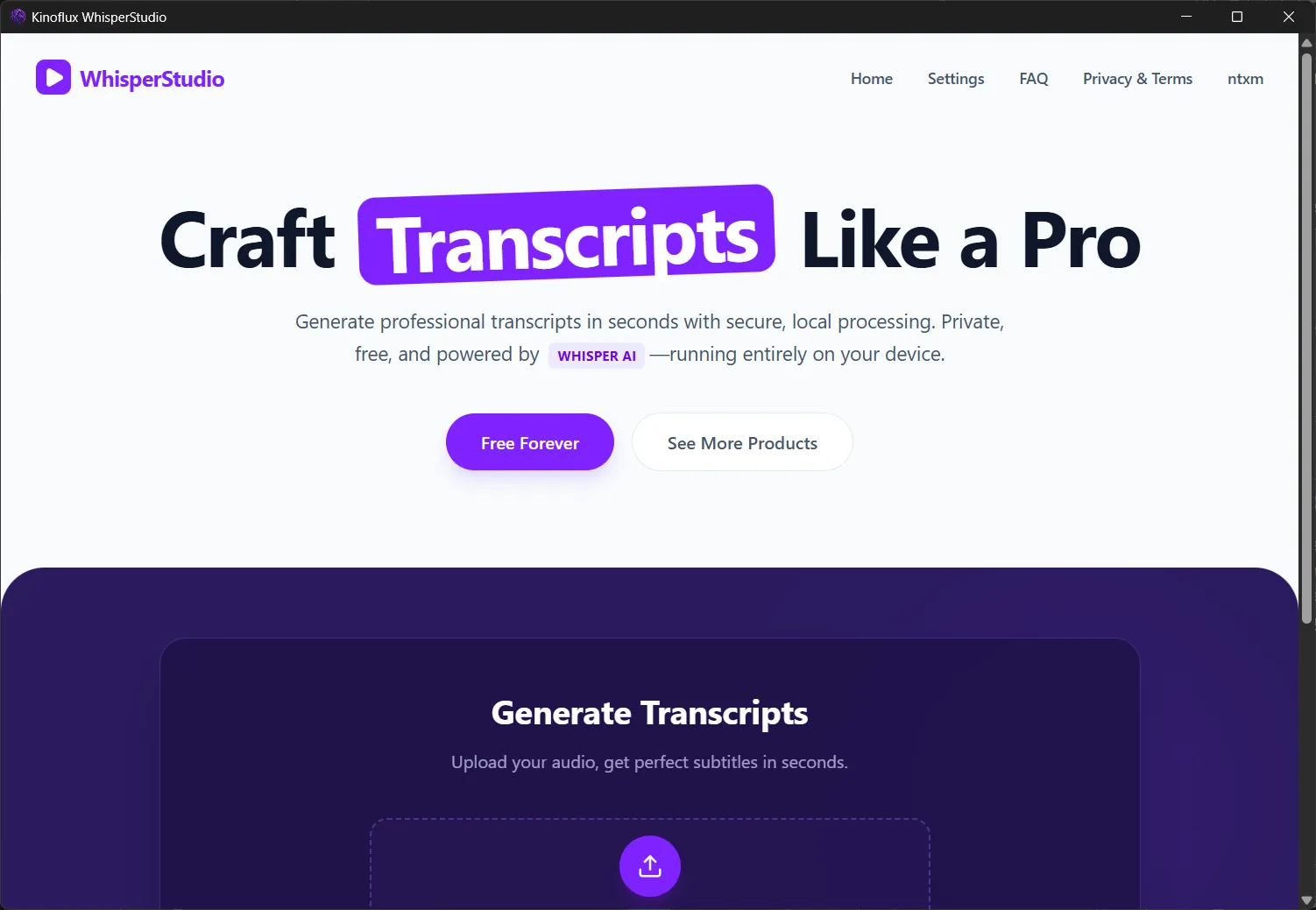
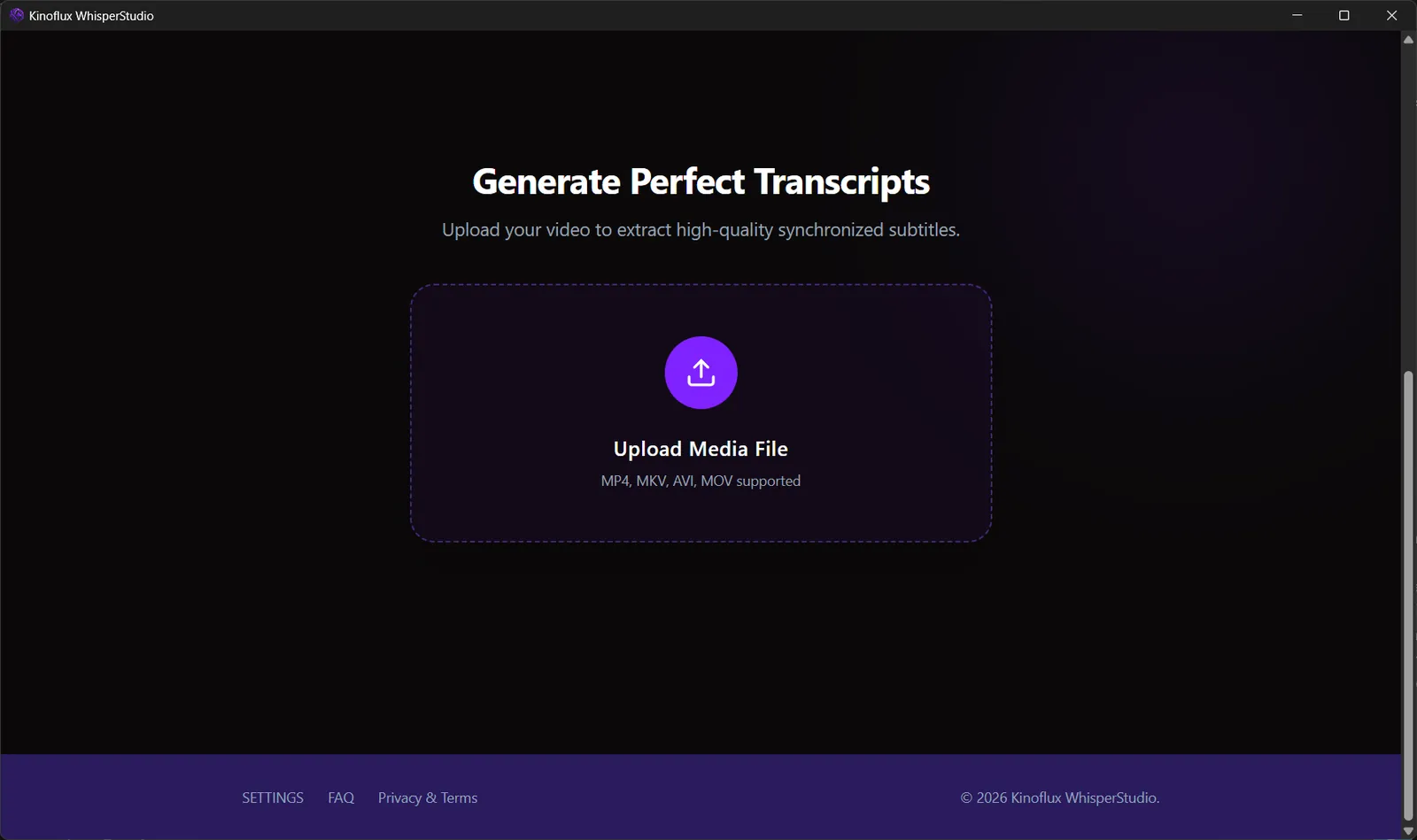
A desktop app that turns audio and video into transcripts and subtitle files on your own computer. Pick a file, pick a model, and export SRT or TXT. Nothing is uploaded.
The challenge
Whisper speech models are accurate, but running them yourself means Python environments, model downloads and command-line flags. Online transcription services skip that setup, but they need an upload and usually charge by the minute.
The solution
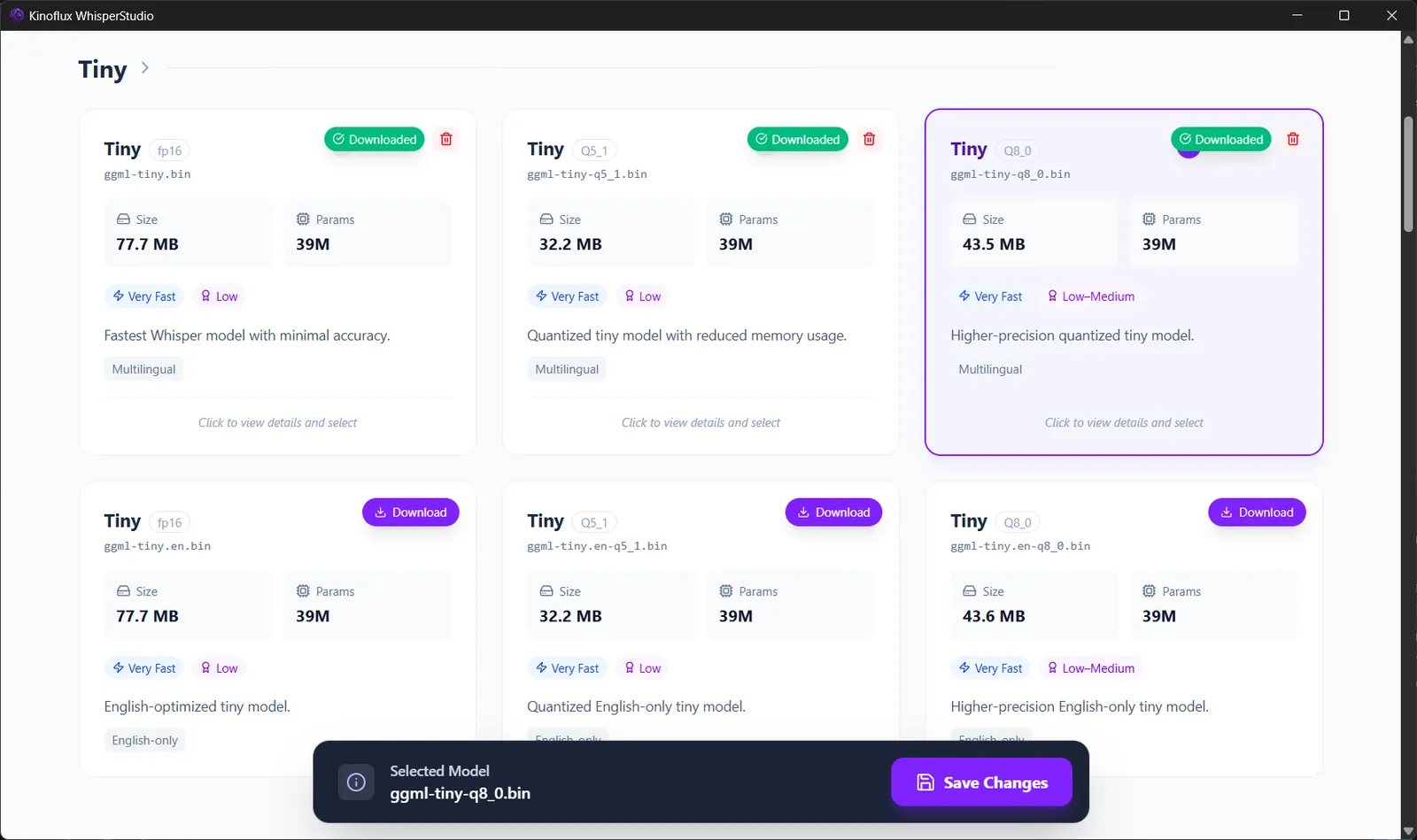
Whisper Studio wraps the models in a normal desktop window. You upload a file, choose a model size in Settings, watch the progress log and download the result. Models are downloaded once and cached, so later transcription runs fully offline.
Key features
Transcription
- Transcribe MP3, WAV, FLAC, M4A and more
- Video input such as MP4, MKV, AVI and MOV
- Real-time processing log while a file runs
Subtitles
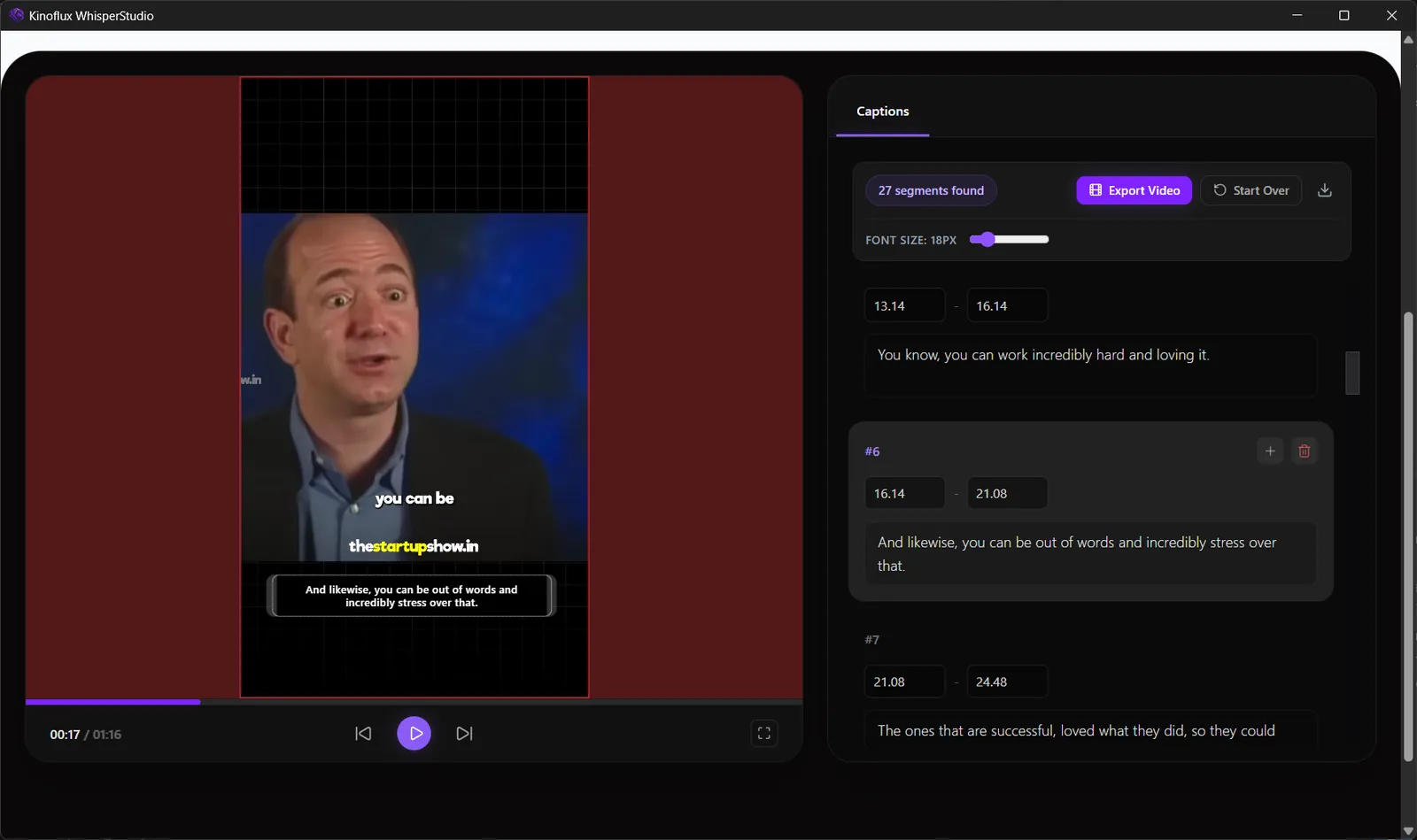
- Timestamped SRT subtitle files
- Plain TXT transcripts
- Preview and edit caption lines next to the video
- Burn captions into the video
Models
- Whisper model sizes from Tiny to Large v3
- Each model shows its size, parameters, speed and accuracy
- Hardware acceleration on compatible Windows systems
Privacy
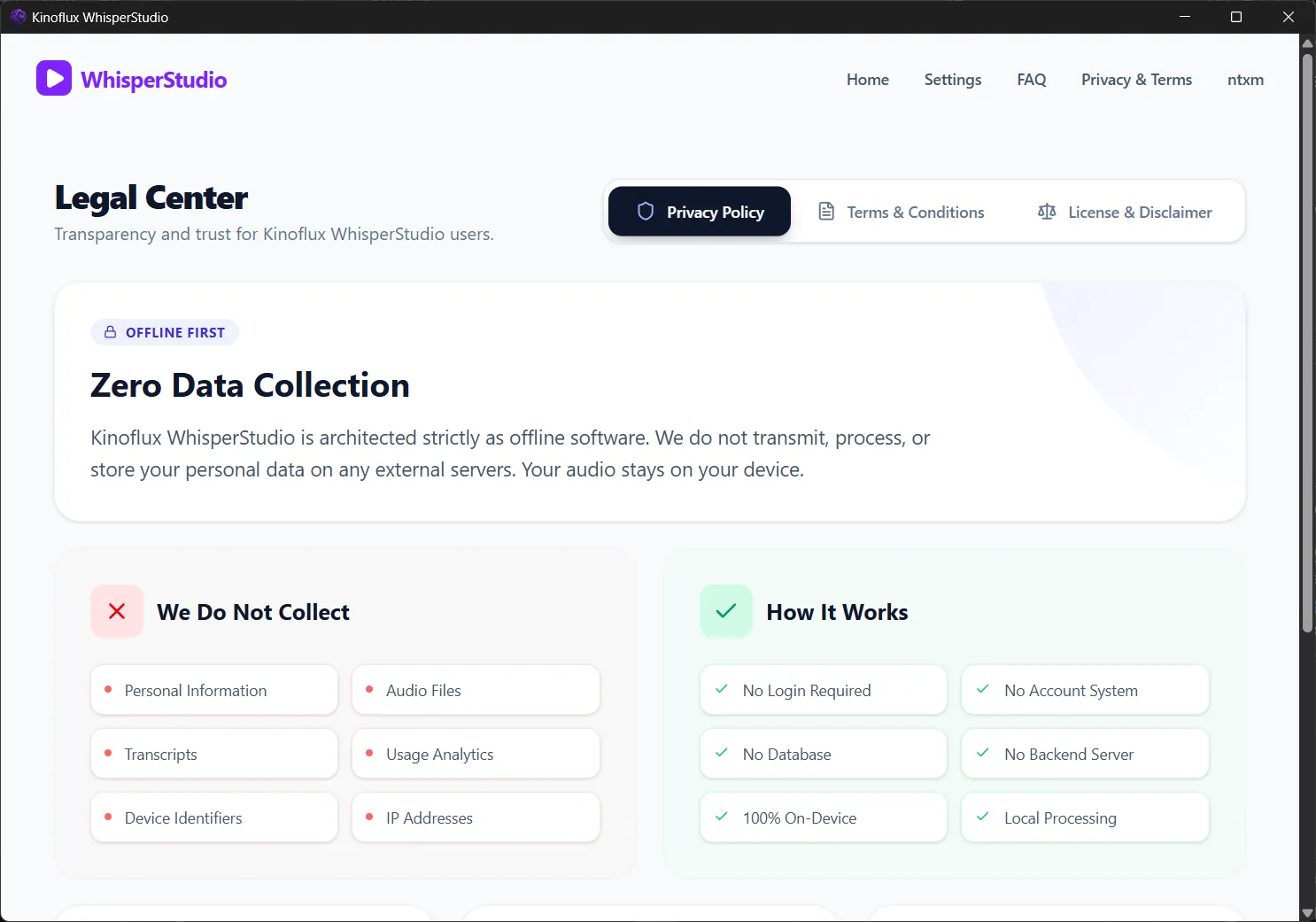
- Files are processed on the device and never sent anywhere
- No login, no account system, no usage analytics
- Free, with no subscription and no usage limits
Results
- Speech to text and subtitles without a cloud service or a per-minute bill.
- Model choice in plain terms: size, speed and accuracy.
- Part of the KinoFlux family of offline media tools.
Screenshots
Related
Whisper Studio: Speech to Text Without the Setup
Whisper speech models are accurate but hard to run. Whisper Studio turns them into a desktop app: pick a file, pick a model, export SRT or TXT.
Desktop Apps
Native desktop software for Windows and Mac, built mainly in Rust: media suites, editors, and tools that stay fast after install day.