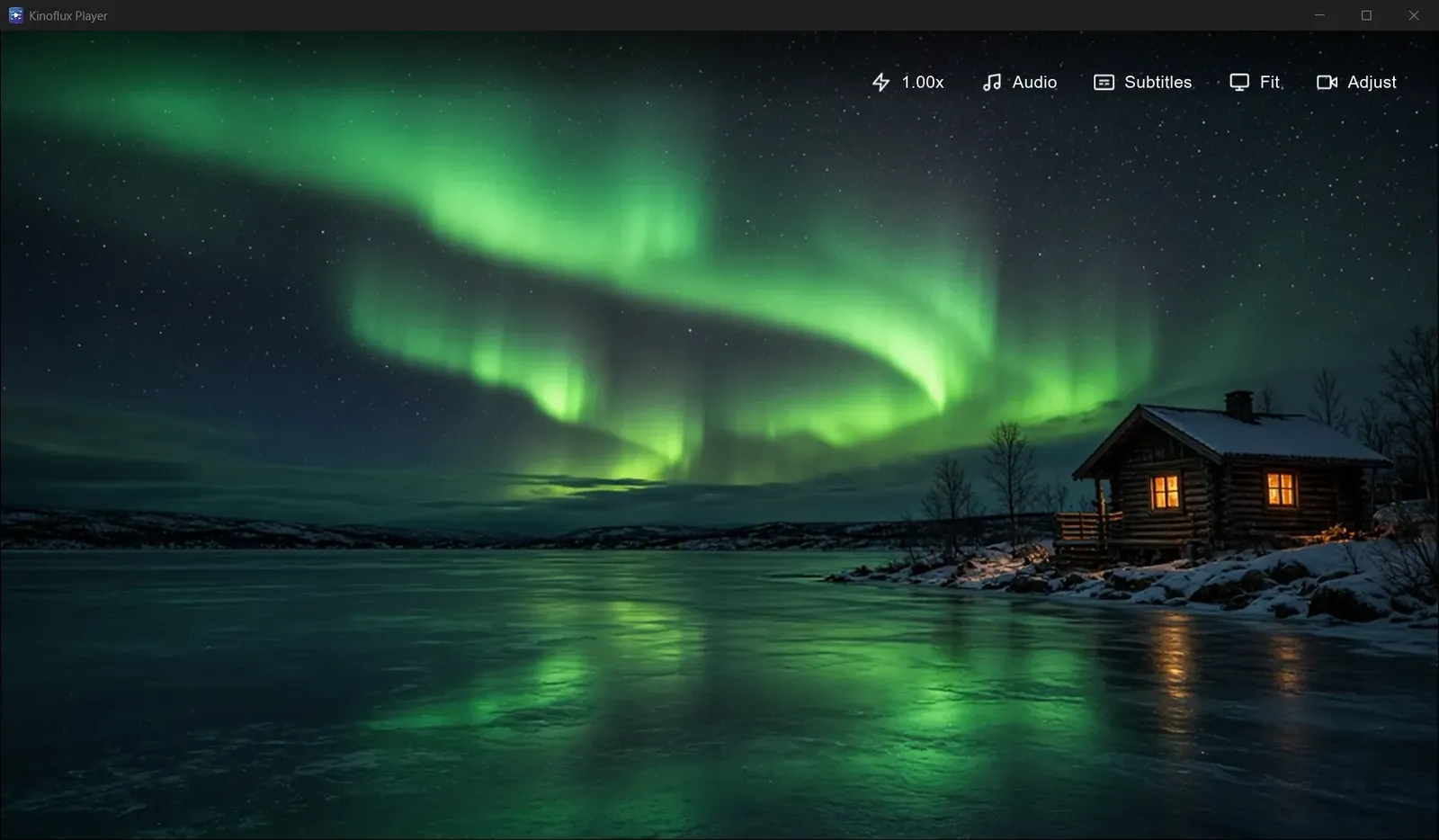
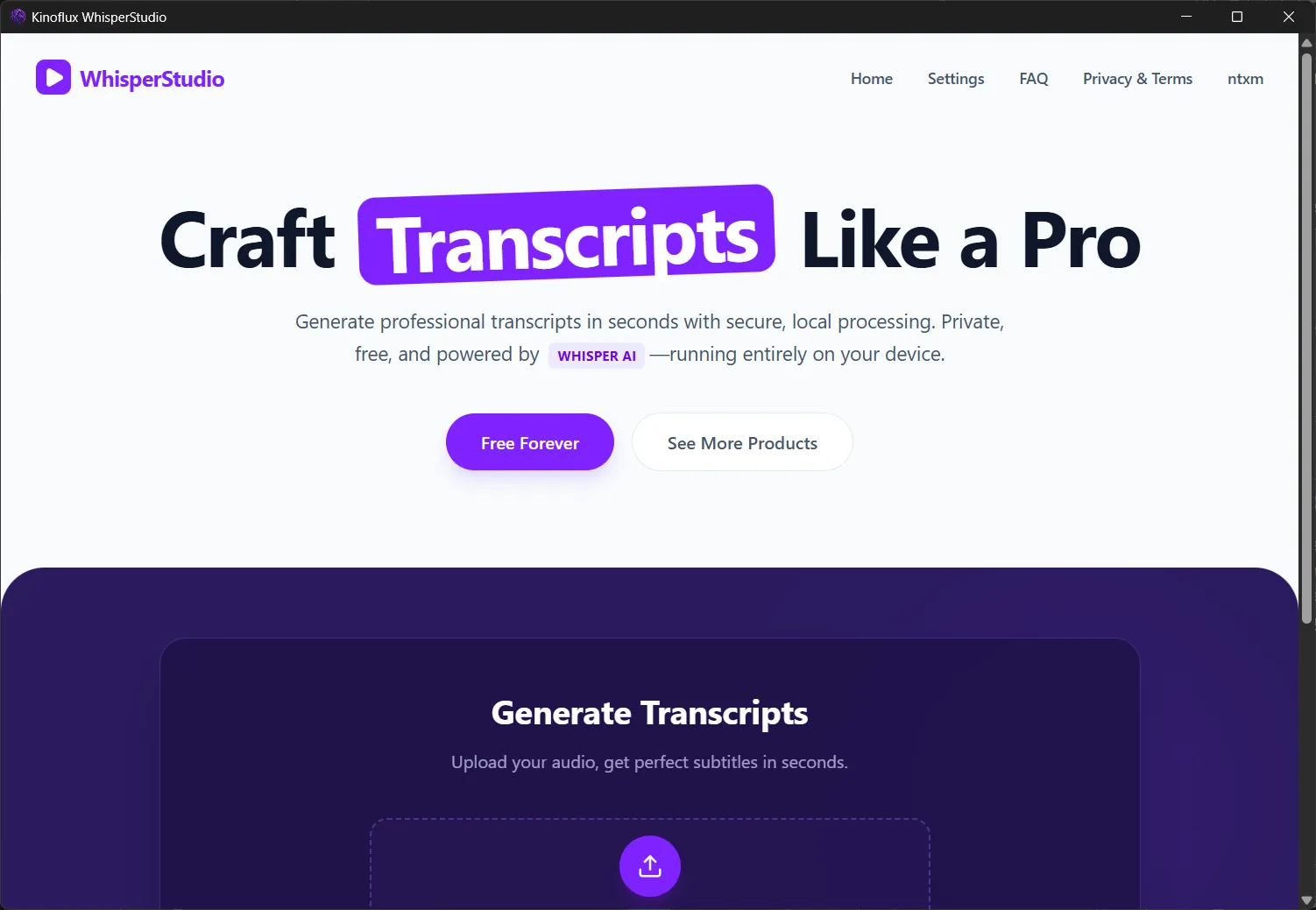
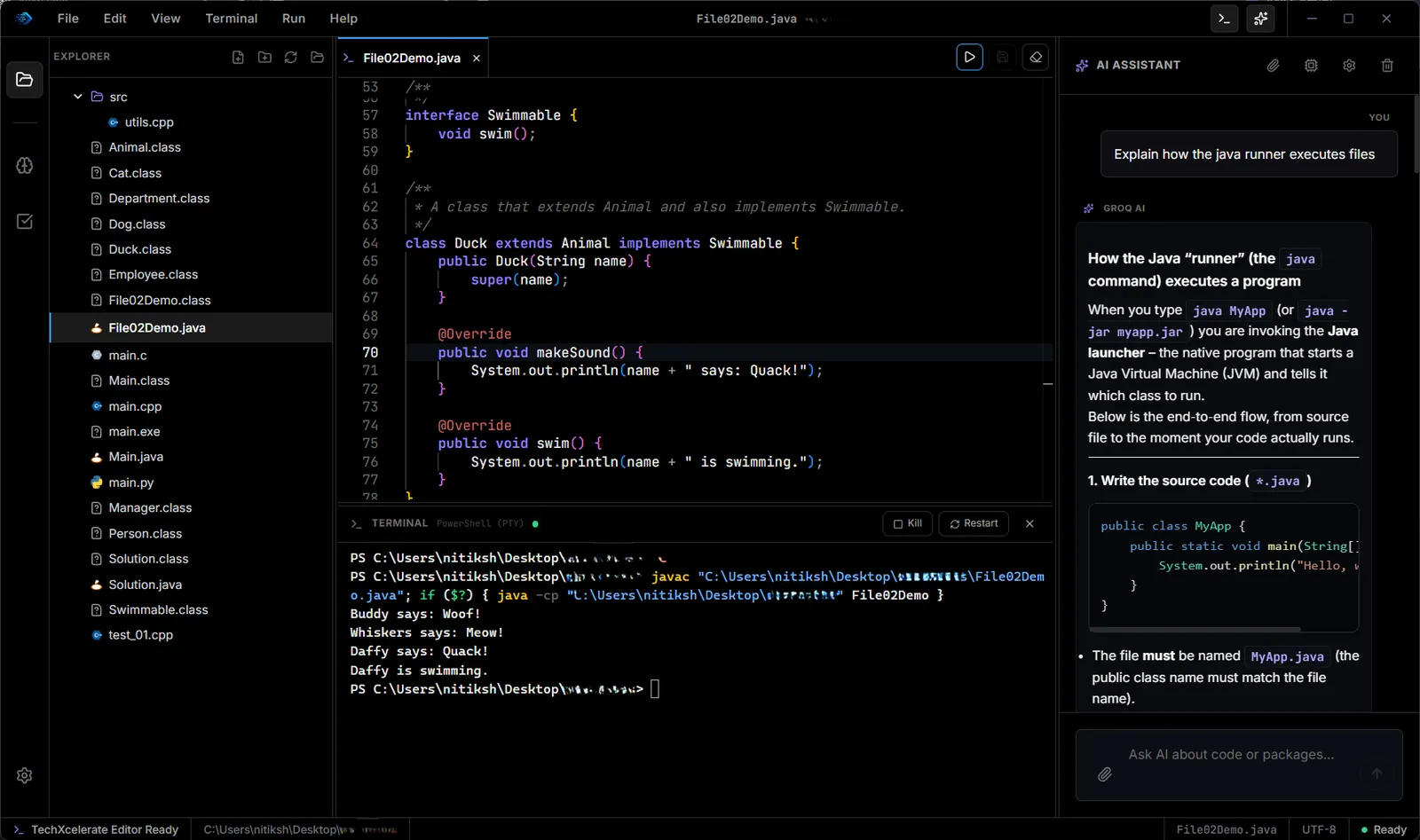
KinoFlux Editor
A free desktop toolbox with 66 offline tools for video, audio, images, PDFs and office documents. Convert, compress, trim and merge files on your own computer, with no upload and no account.
The challenge
Everyday file jobs, like shrinking a video for email, pulling the audio out of a clip or merging two PDFs, usually mean an upload site with size limits and ads, or a different program for every format. Upload sites are slow for large files and keep a copy of what you send them.
The solution
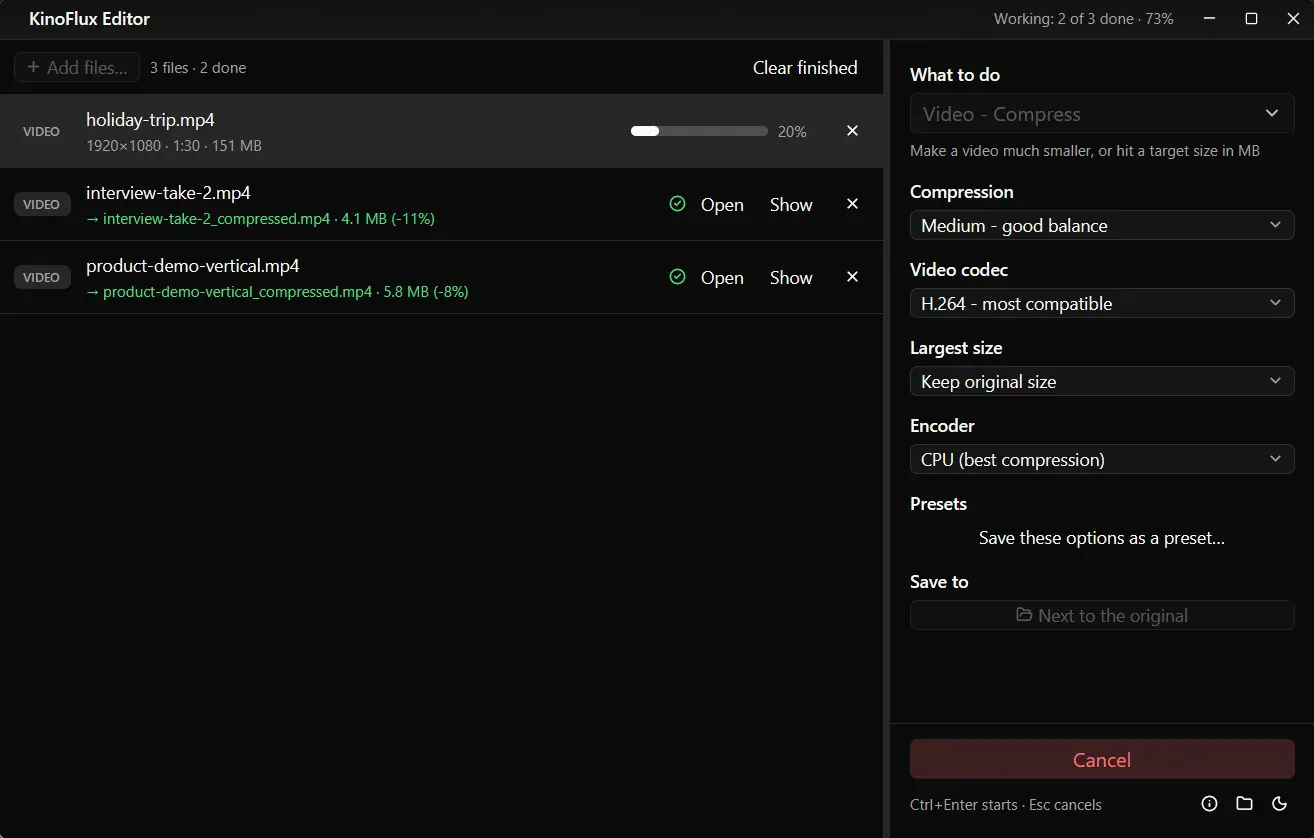
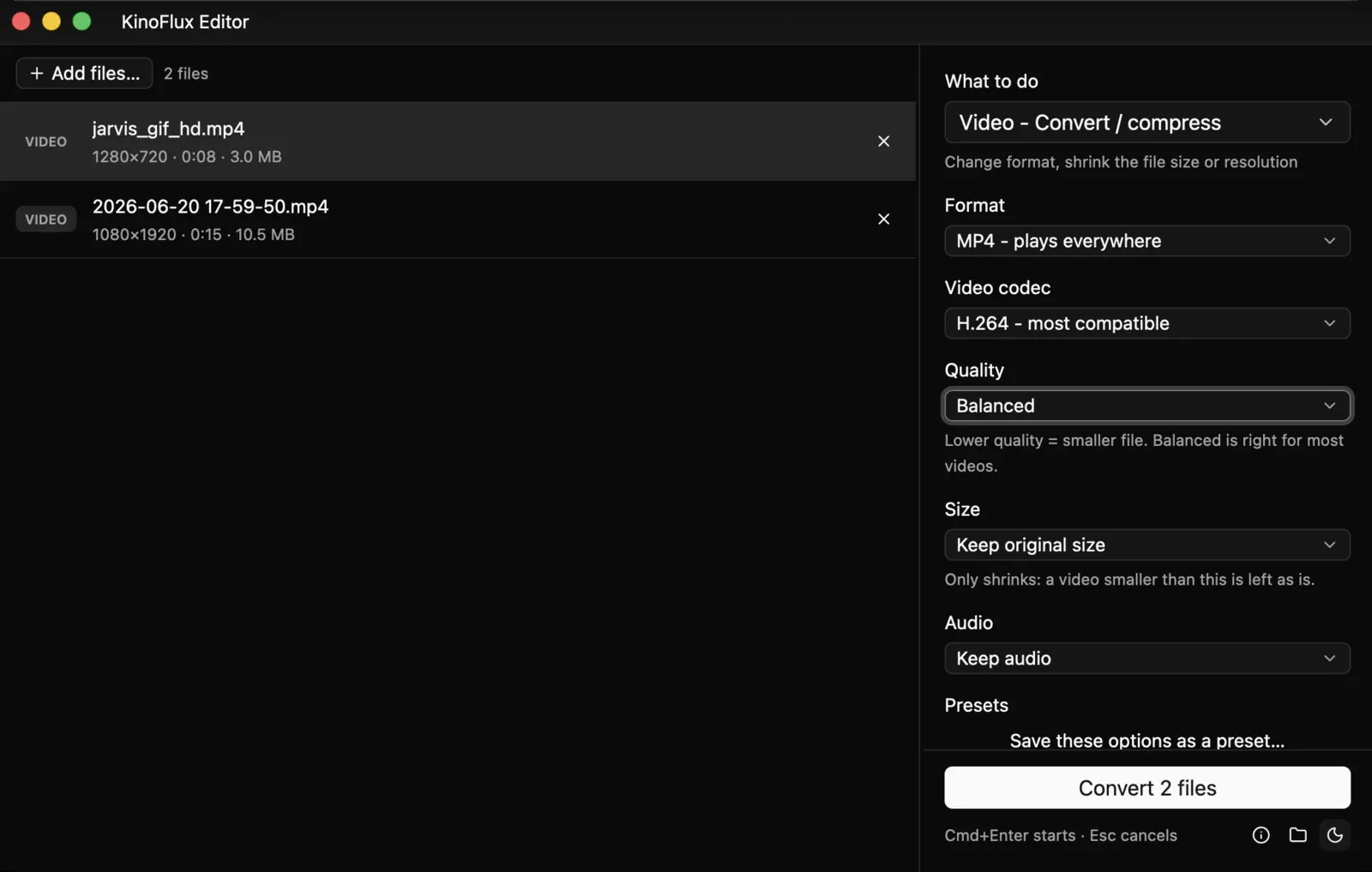
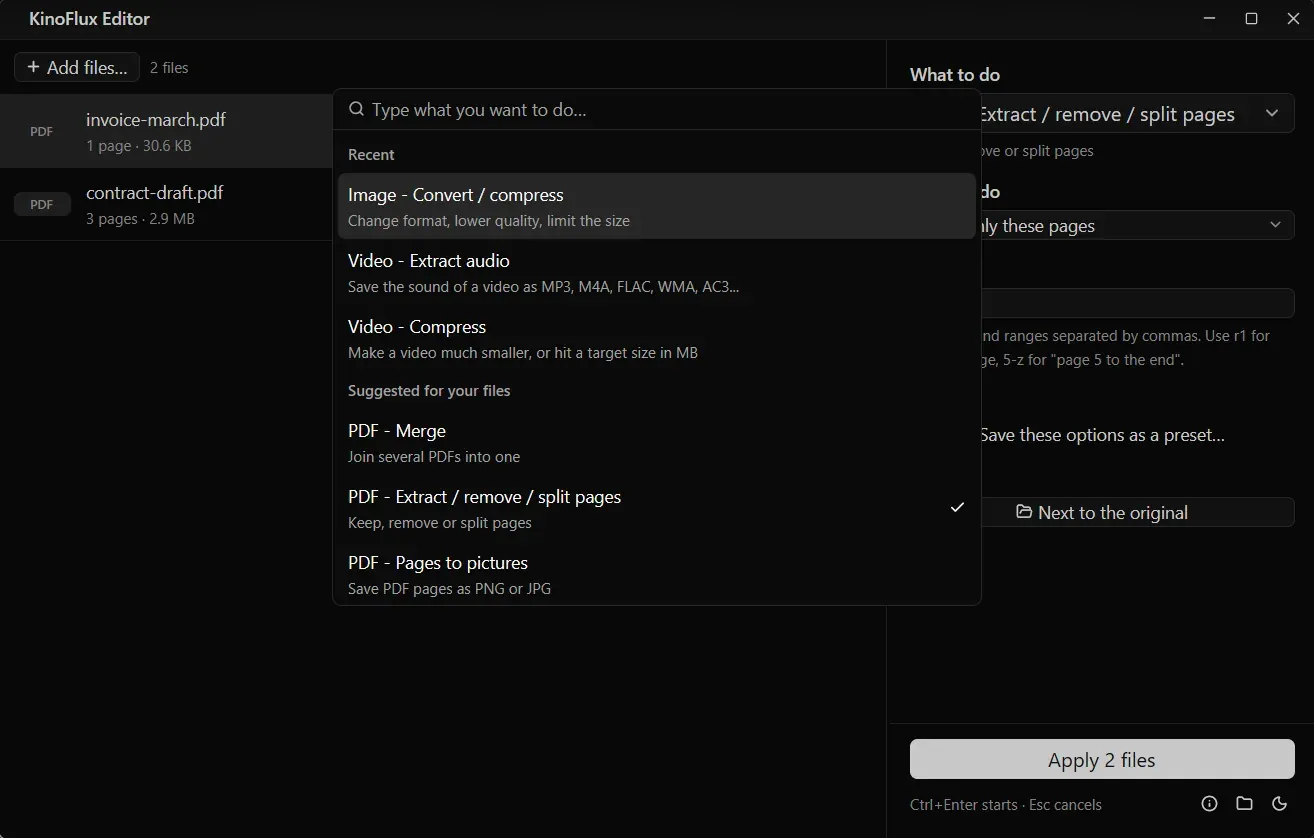
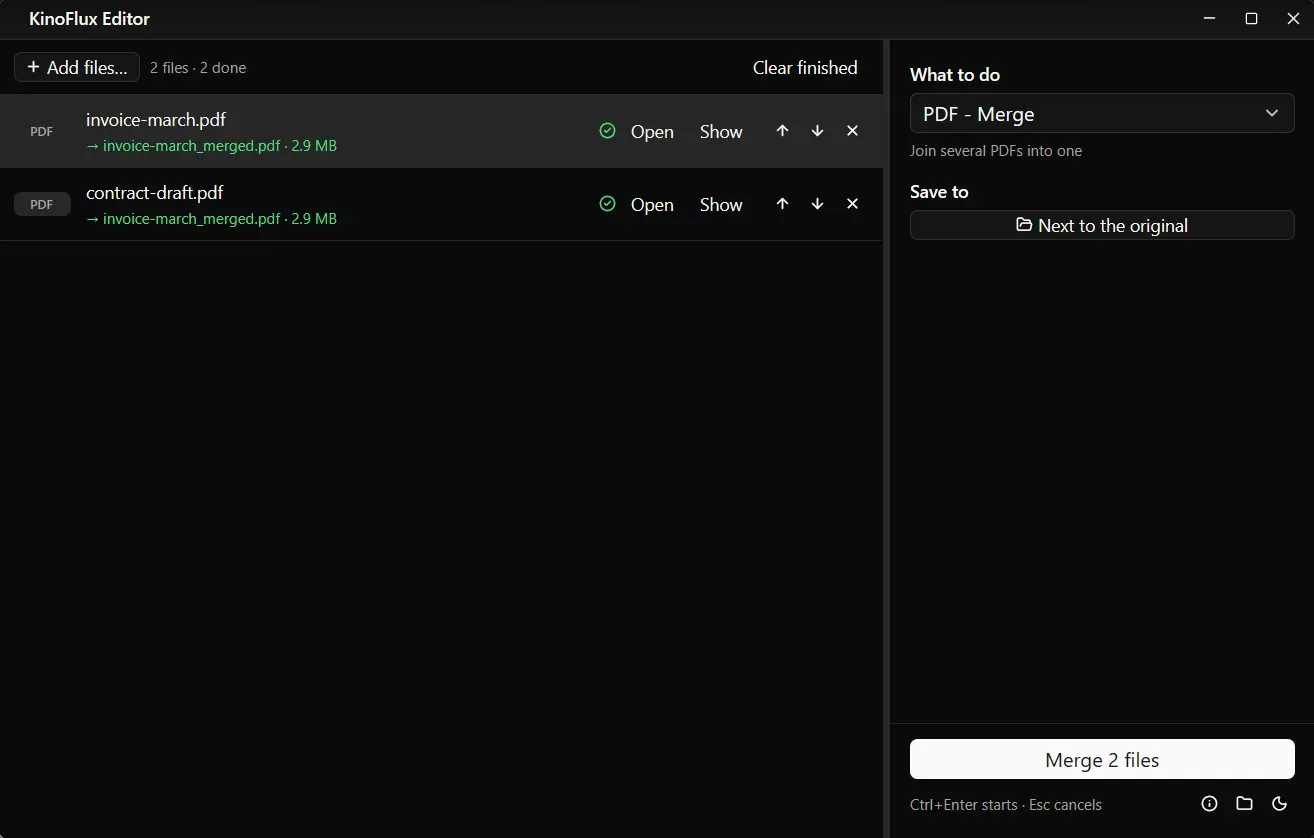
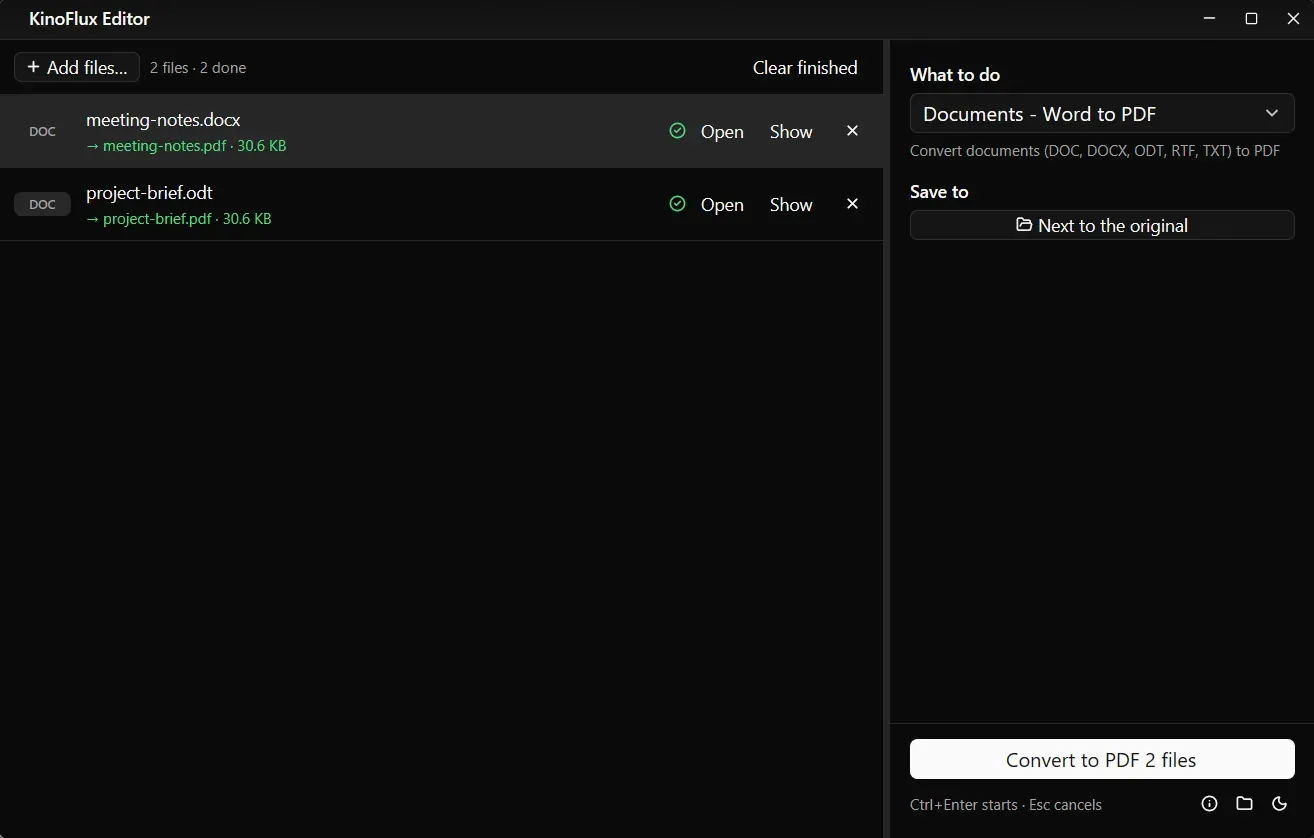
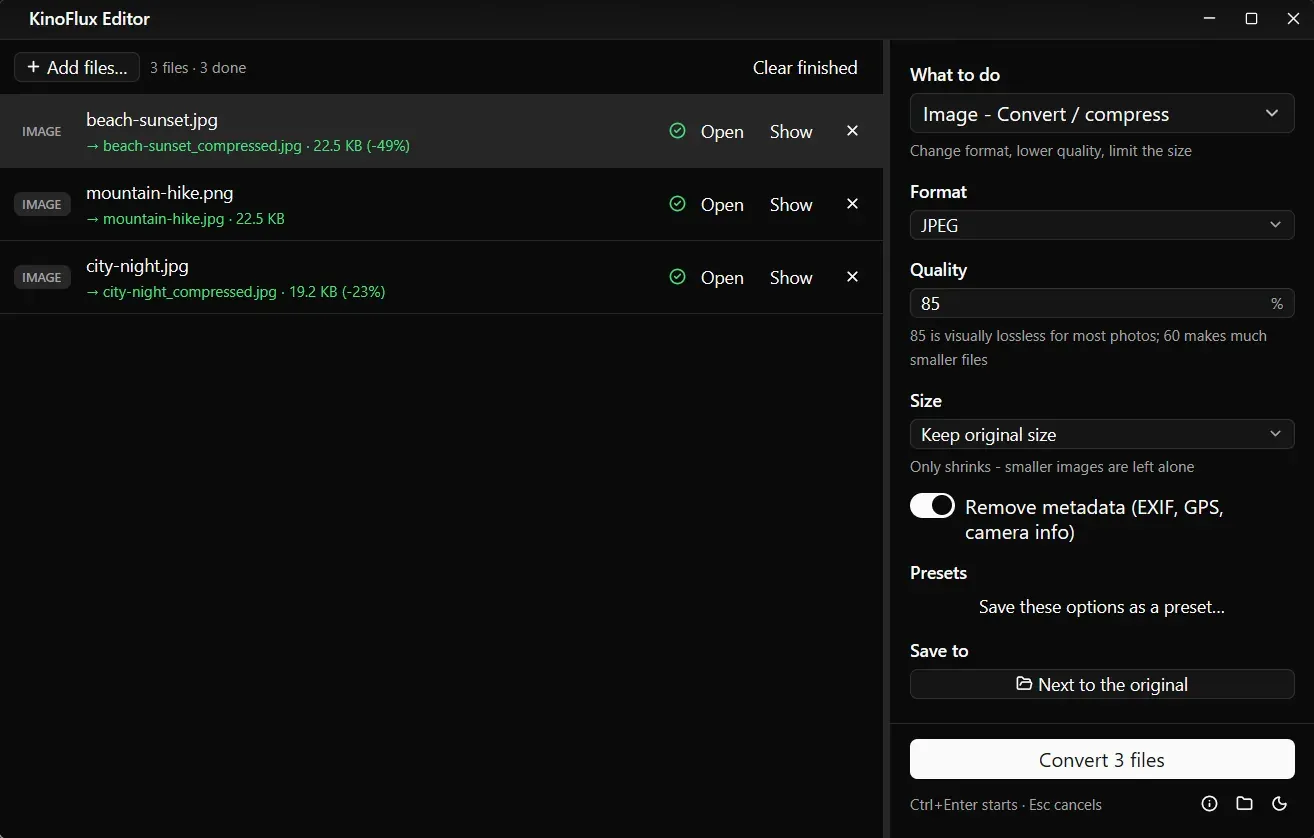
KinoFlux Editor puts 66 tools in one native window. Drop files in, pick an action from the tool list or the Ctrl+K picker, and the result is saved as a new file next to the original. All the converters are bundled with the app, so every tool runs on the computer and works without an internet connection.
Key features
Video (19 tools)
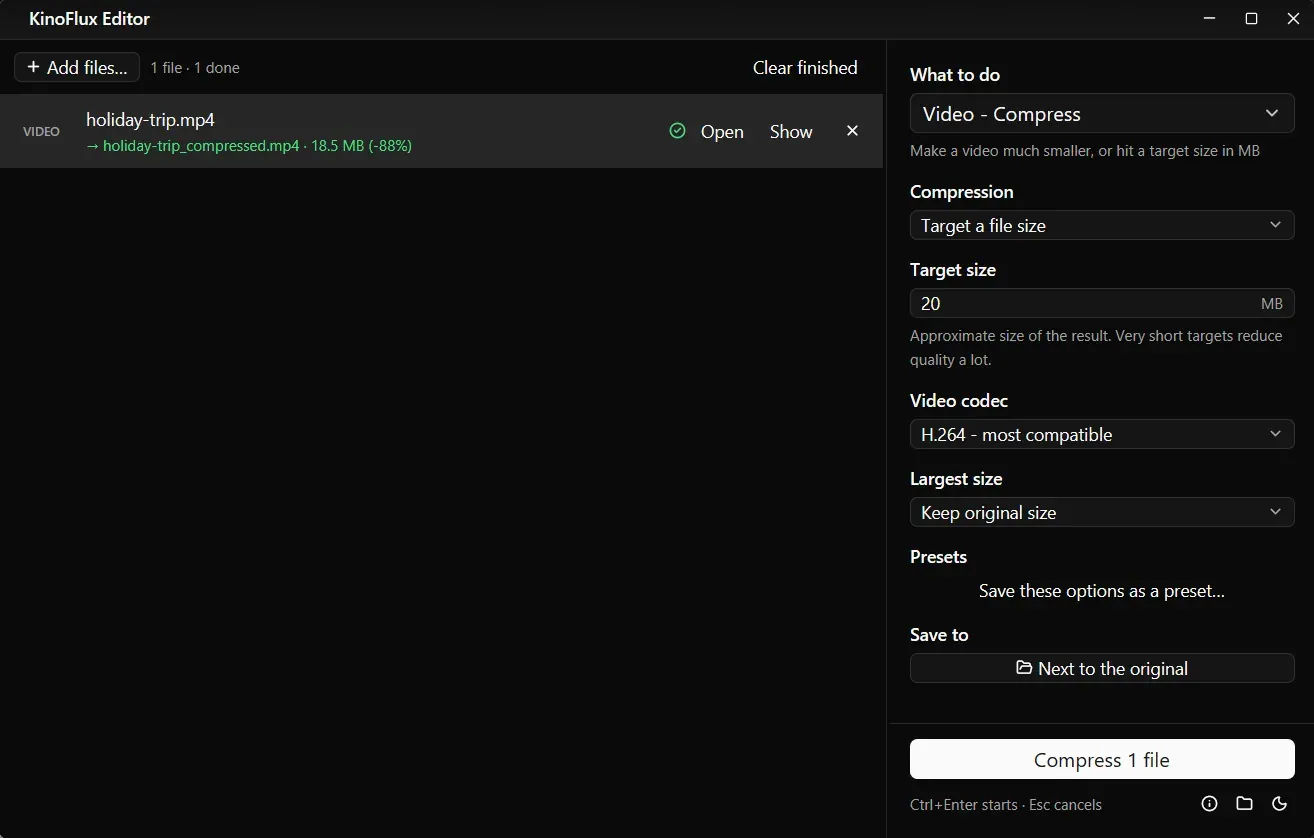
- Convert and compress, or compress to a target size in MB
- Change format, resolution (up to 4K) and aspect ratio (9:16, 1:1)
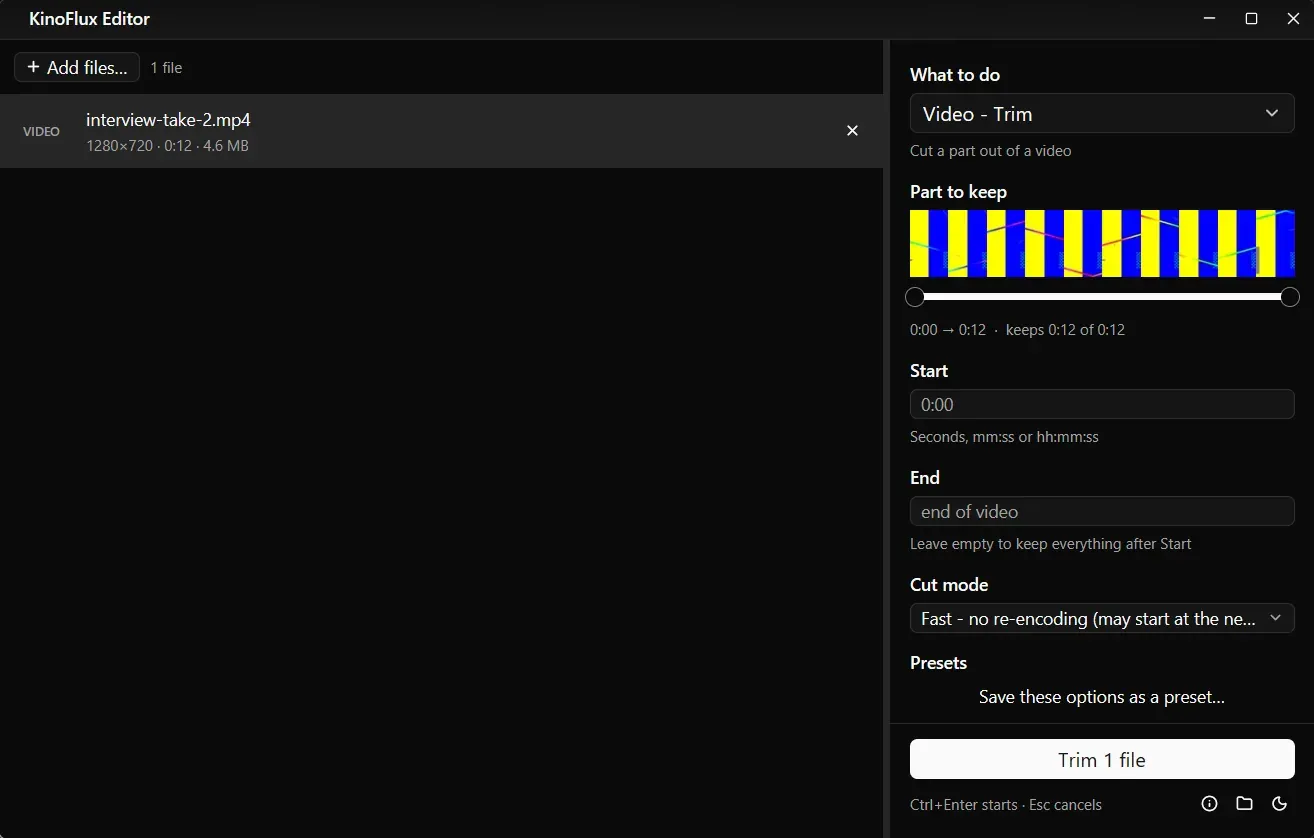
- Trim with a thumbnail preview, split into parts, join clips
- Change speed, rotate or flip, add subtitles or a logo
- Extract, remove, replace or mix audio
- Make a GIF, save a frame as a picture, build an HLS stream package
Audio (8 tools)
- Convert between audio formats
- Trim, join files, fade in and out
- Normalize volume, remove silence, change speed
- Edit tags and album art
Images (8 tools)
- Convert, compress and resize
- Resize to presets such as social, passport and 4K
- Crop, rotate and add a watermark
- Remove EXIF and GPS data, make a favicon or icon set
PDF (16 tools)
- Merge, split, arrange and rotate pages, split by file size
- Compress, or optimize and repair without quality loss
- Pages to pictures, extract images or text, pictures to PDF
- Add page numbers or a text watermark, add or remove a password
Documents (14 tools)
- Word, Excel and PowerPoint to PDF, and PDF back to Word, Excel or PowerPoint
- Update old Office files, convert between Office and OpenDocument
- Spreadsheet to CSV and back, document to HTML and back
- Document pages to pictures
Workflow
- Batch file list with drag and drop, multi-select and reorder
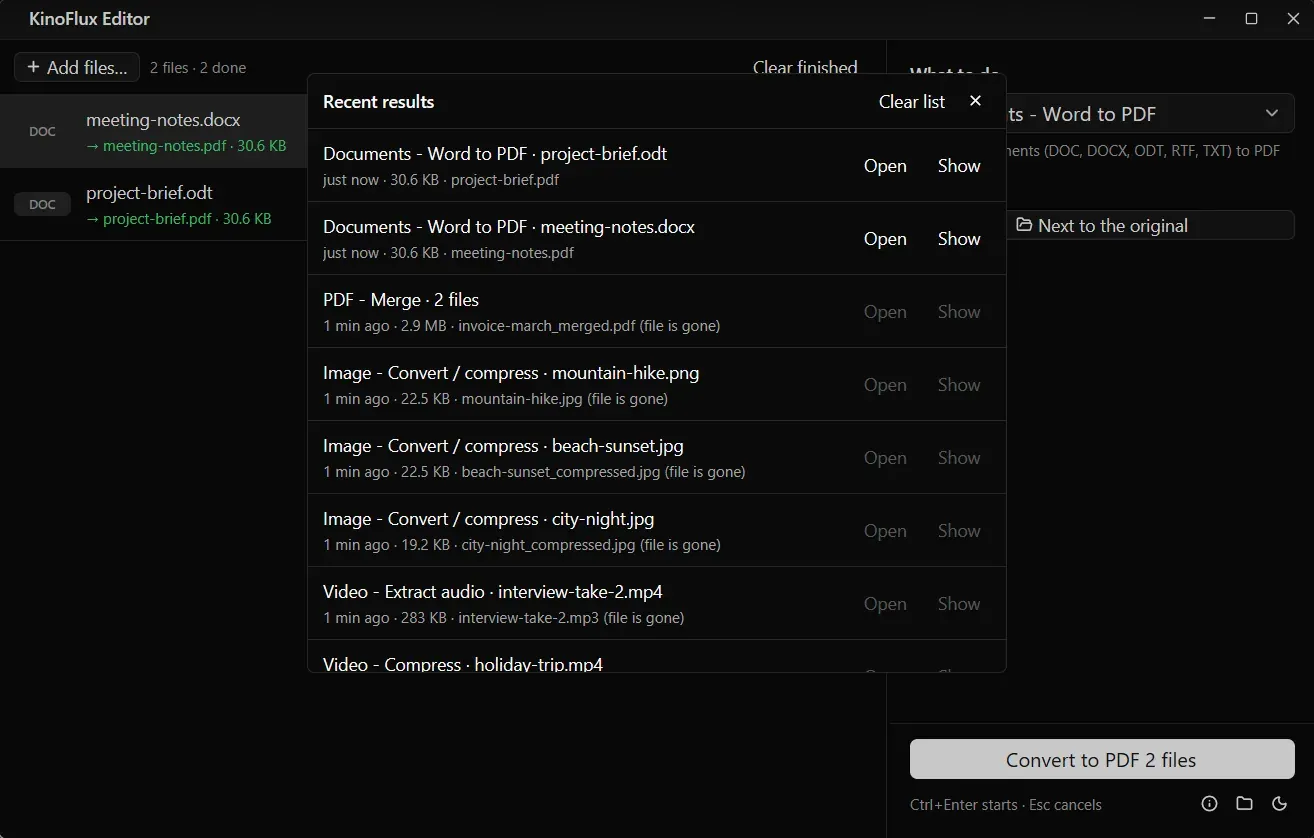
- Presets per tool and a history of recent results
- Progress per file and overall, with cancel
- Light, dark or system theme
- File info tool that shows what a file gives away (GPS, camera, author)
Results
- 66 tools for video, audio, image, PDF and document work in a single window.
- Listed on the Microsoft Store, with direct downloads for Windows and Apple Silicon Macs.
- Results are written as new files, so originals are never overwritten.
- No account, no telemetry and no update check.
Screenshots
Related
What NTXM Ships, and Why Each Product Is Its Own App
The NTXM product list as of October 2026: what each app is for, where it runs and why the jobs are kept apart.
Desktop Apps
Native desktop software for Windows and Mac, built mainly in Rust: media suites, editors, and tools that stay fast after install day.