KinoFlux Player
A free, lightweight video player for local files on Windows and Mac. Smooth 4K playback, a library for your video folder, speed and picture controls, and no account or tracking.
The challenge
Many video players add ads, online features or sign-ins, and the simple ones hide basic controls such as playback speed, subtitle tracks or picture settings. To watch a file that is already on your computer, none of that should be in the way.
The solution
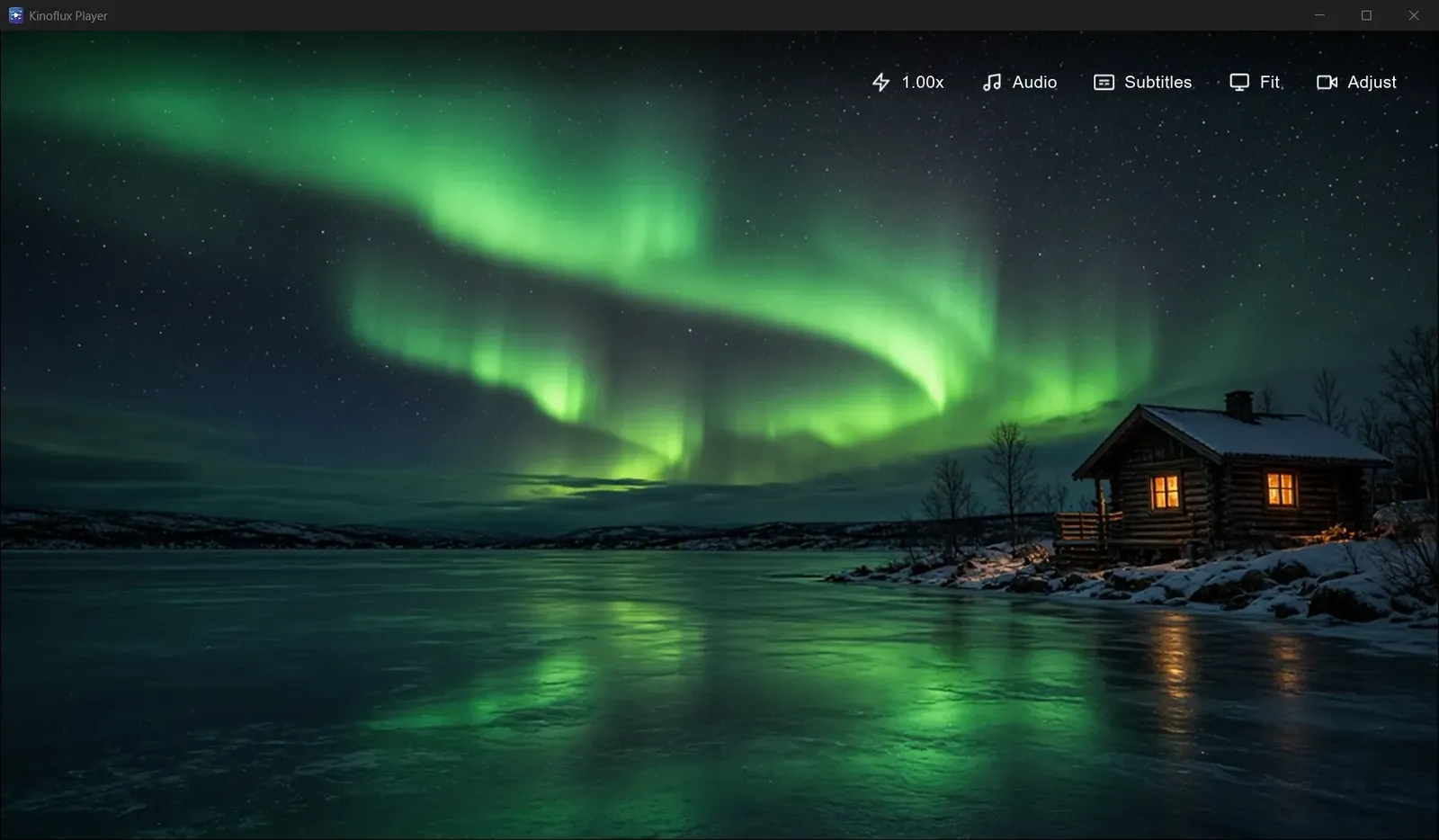
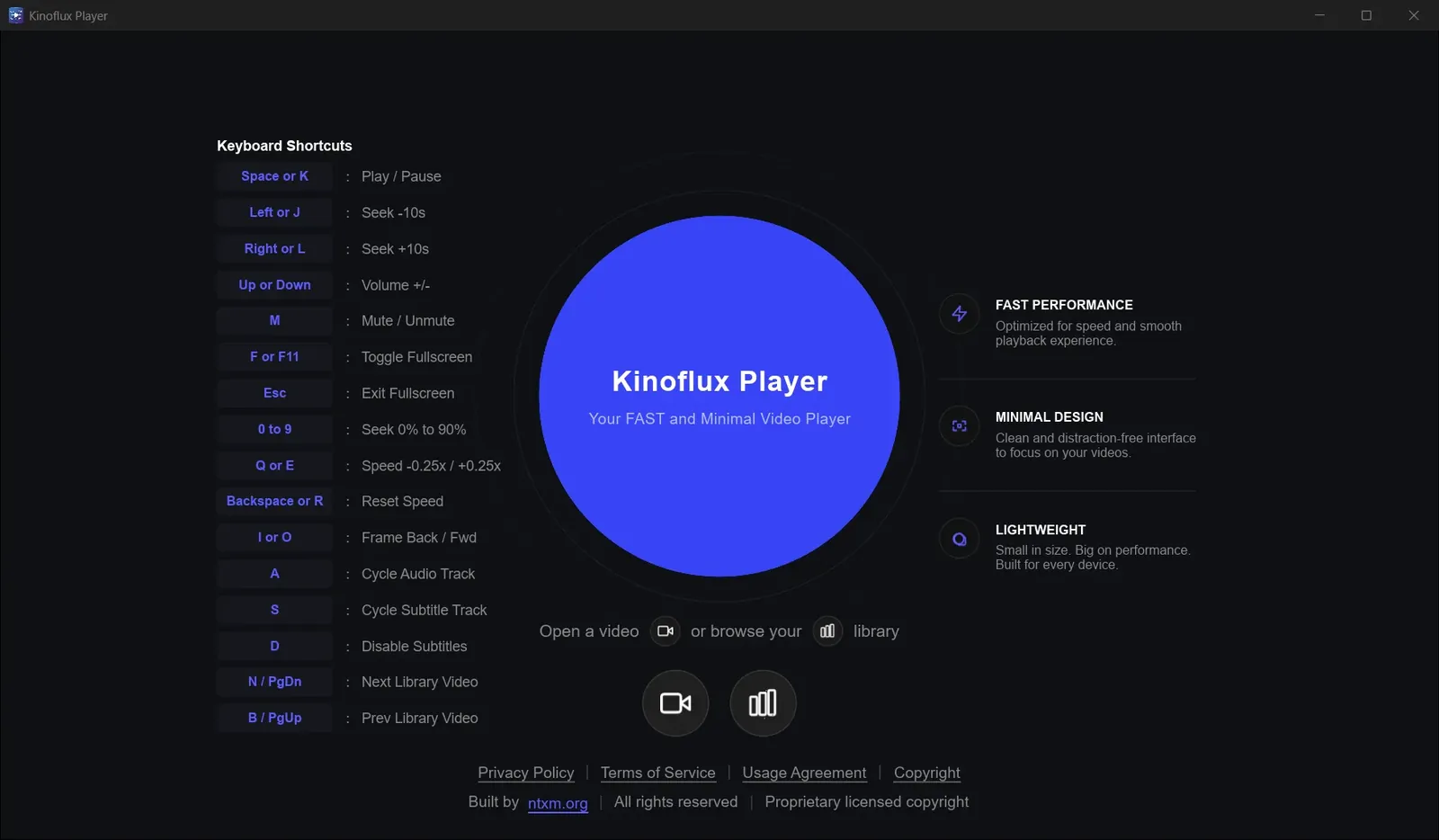
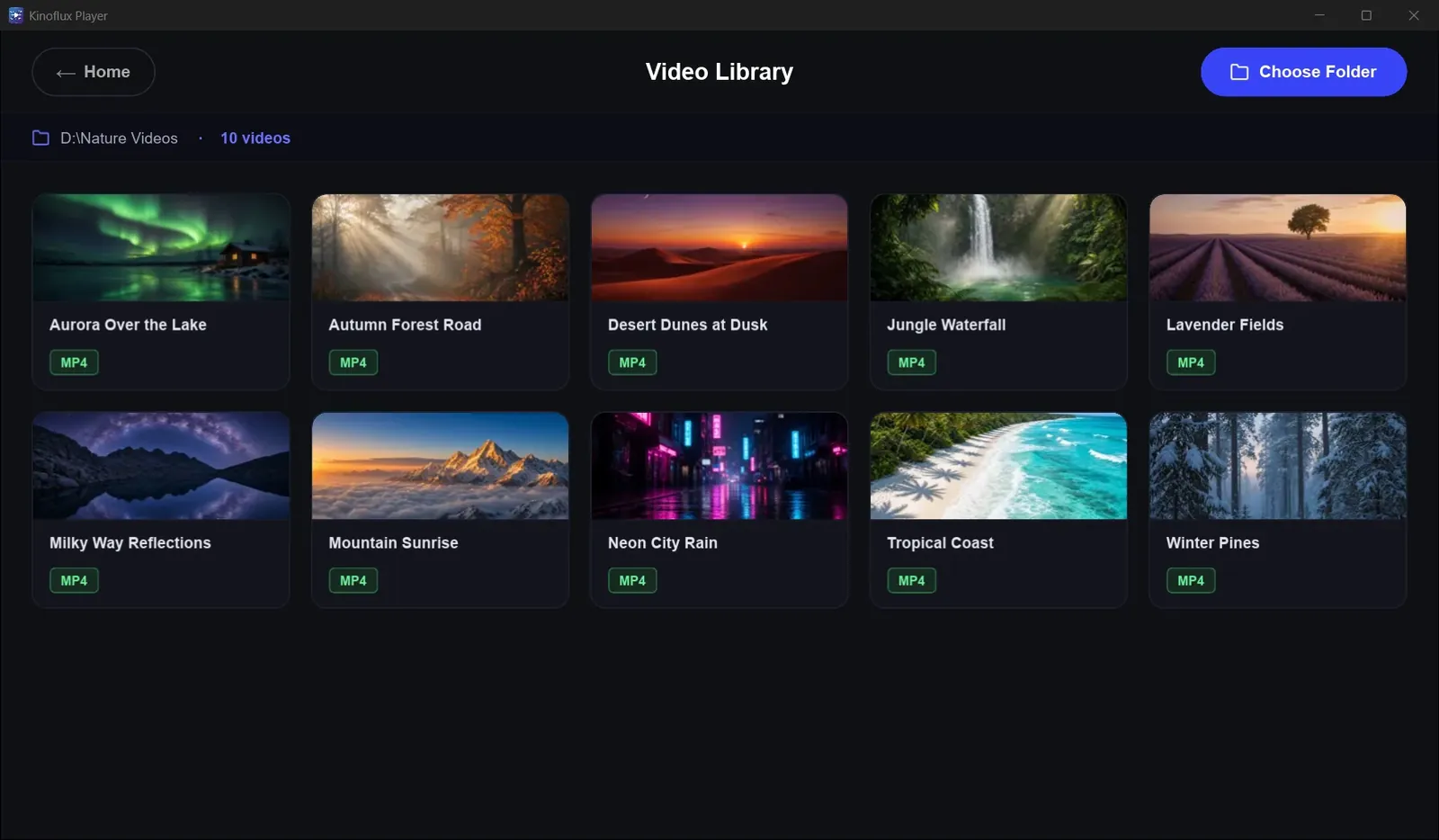
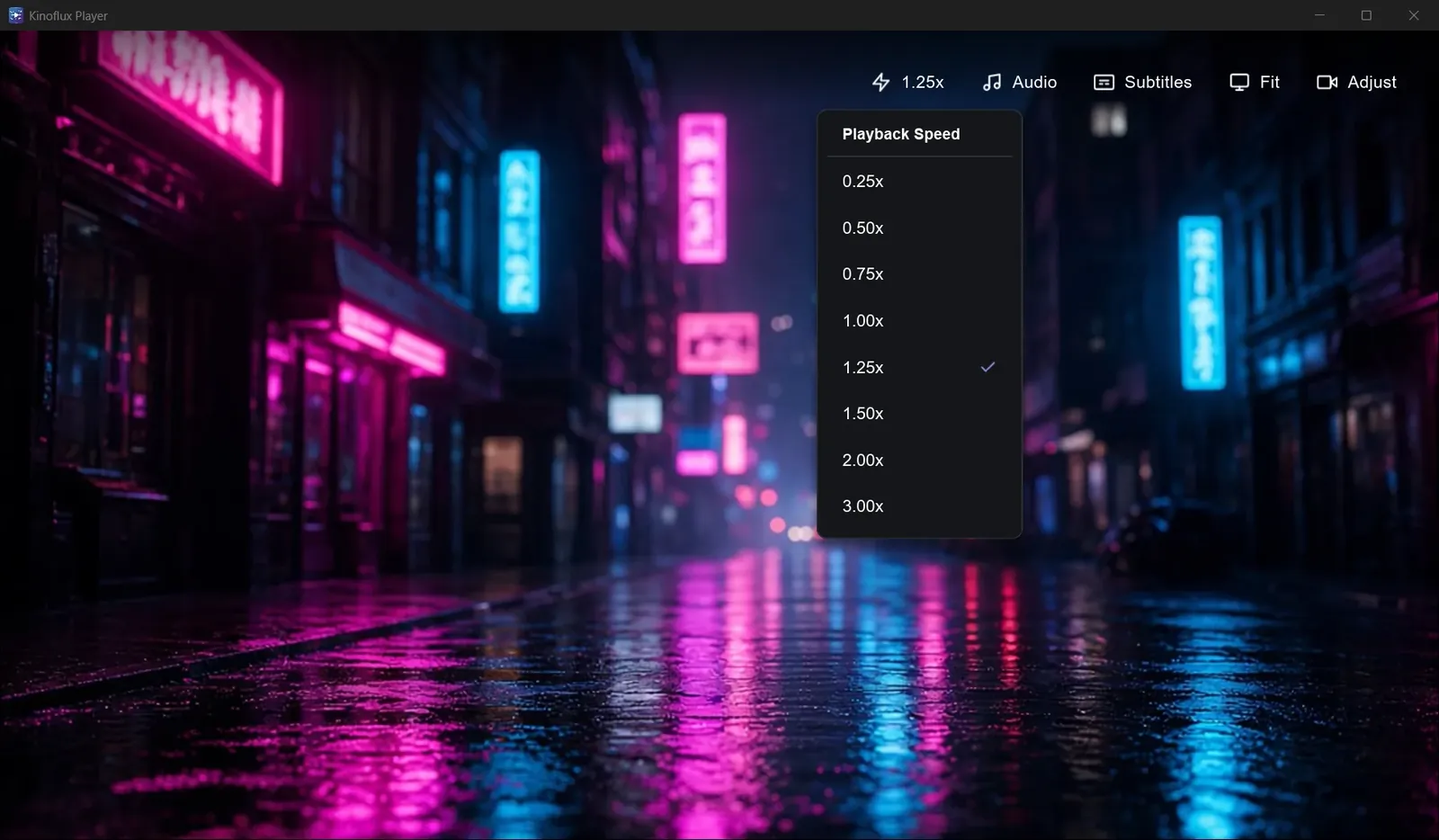
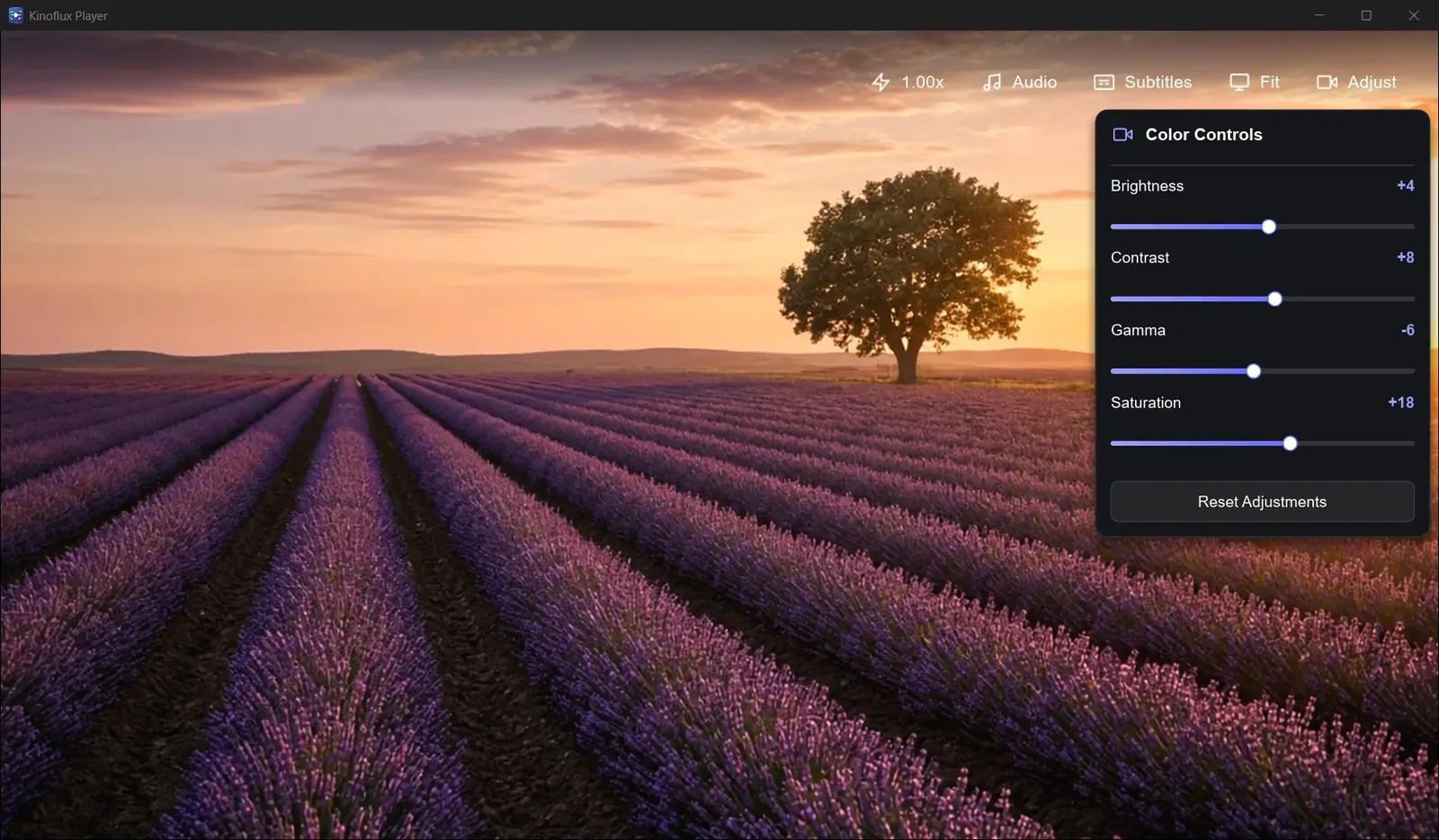
KinoFlux Player opens local files in a dark, minimal window. The home screen lists every keyboard shortcut, the library shows a chosen folder as thumbnails, and speed, audio, subtitles, fit and picture adjust sit in one top bar. Playback uses hardware acceleration and never needs the internet.
Key features
Playback
- Hardware-accelerated playback for smooth 4K on supported hardware
- Plays MKV, MP4, AVI, MOV, WebM and more
- Speed from 0.25x to 3x, frame-by-frame stepping
- Full screen and fit modes
Library
- Pick a folder and browse it as a thumbnail grid
- Home screen with quick open and browse library actions
- Jump to the next or previous video in the library
Picture and sound
- Brightness, contrast, gamma and saturation sliders with reset
- Cycle audio tracks and subtitle tracks, or turn subtitles off
- Volume and mute from the keyboard
Keyboard first
- Space or K to play and pause, Left and Right (or J and L) to seek 10 seconds
- 0 to 9 to jump from 0% to 90%, Q and E to change speed
- F or F11 for full screen, I and O to step frames
Privacy
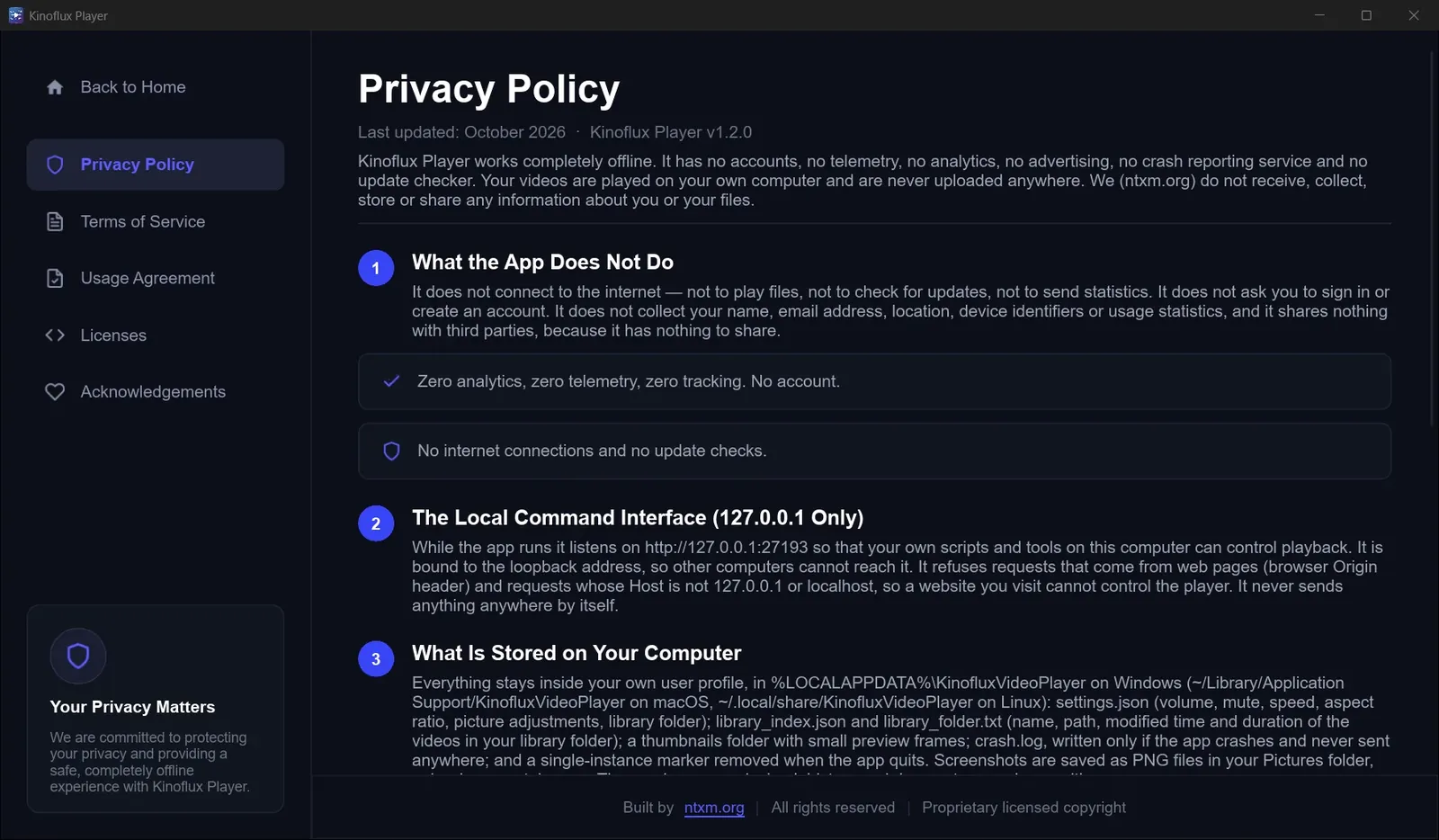
- No account, no telemetry, no analytics and no ads
- No internet connections and no update checks
- Settings and the library index stay in your own user profile
Results
- Listed on the Microsoft Store and available as direct downloads for Windows and Mac.
- Installers under 40 MB on both platforms.
- Plays files fully offline.
Screenshots
Related
KinoFlux Player: A Video Player That Stays Out of the Way
Why KinoFlux Player exists, how it was kept small, and what version 1.2.0 does today on Windows and Mac.
What NTXM Ships, and Why Each Product Is Its Own App
The NTXM product list as of October 2026: what each app is for, where it runs and why the jobs are kept apart.
Desktop Apps
Native desktop software for Windows and Mac, built mainly in Rust: media suites, editors, and tools that stay fast after install day.