The problem
A lot of video already sits on the disk: downloaded lectures, screen recordings, exports from editing work. Opening those files should be the easy part. In practice, many players come with ads, online features, sign-in prompts or update pop-ups, and the simple ones hide controls I use every day, such as playback speed, subtitle tracks and picture settings.
So the brief for KinoFlux Player was short: play local files well, keep every useful control one key away, and never talk to the internet.
How it was approached
The first decision was to keep it a separate app. KinoFlux Editor converts and compresses files. The player only plays them. Keeping the two apart kept each window simple.
The second decision was keyboard first. The home screen shows the full shortcut list instead of hiding it in a menu: Space or K to play and pause, J and L or the arrow keys to seek 10 seconds, the number keys to jump from 0% to 90%, Q and E to change speed, I and O to step frames, A and S to cycle audio and subtitle tracks, F for full screen.
The third was privacy by default. The app has no accounts, no telemetry, no analytics, no ads and no update checker. Settings and the library index stay in your own user profile.
What it does now
KinoFlux Player 1.2.0 runs on Windows 10 and 11 (64-bit) and on Apple Silicon Macs. It plays MKV, MP4, AVI, MOV, WebM and more, with hardware acceleration for smooth 4K on supported hardware.
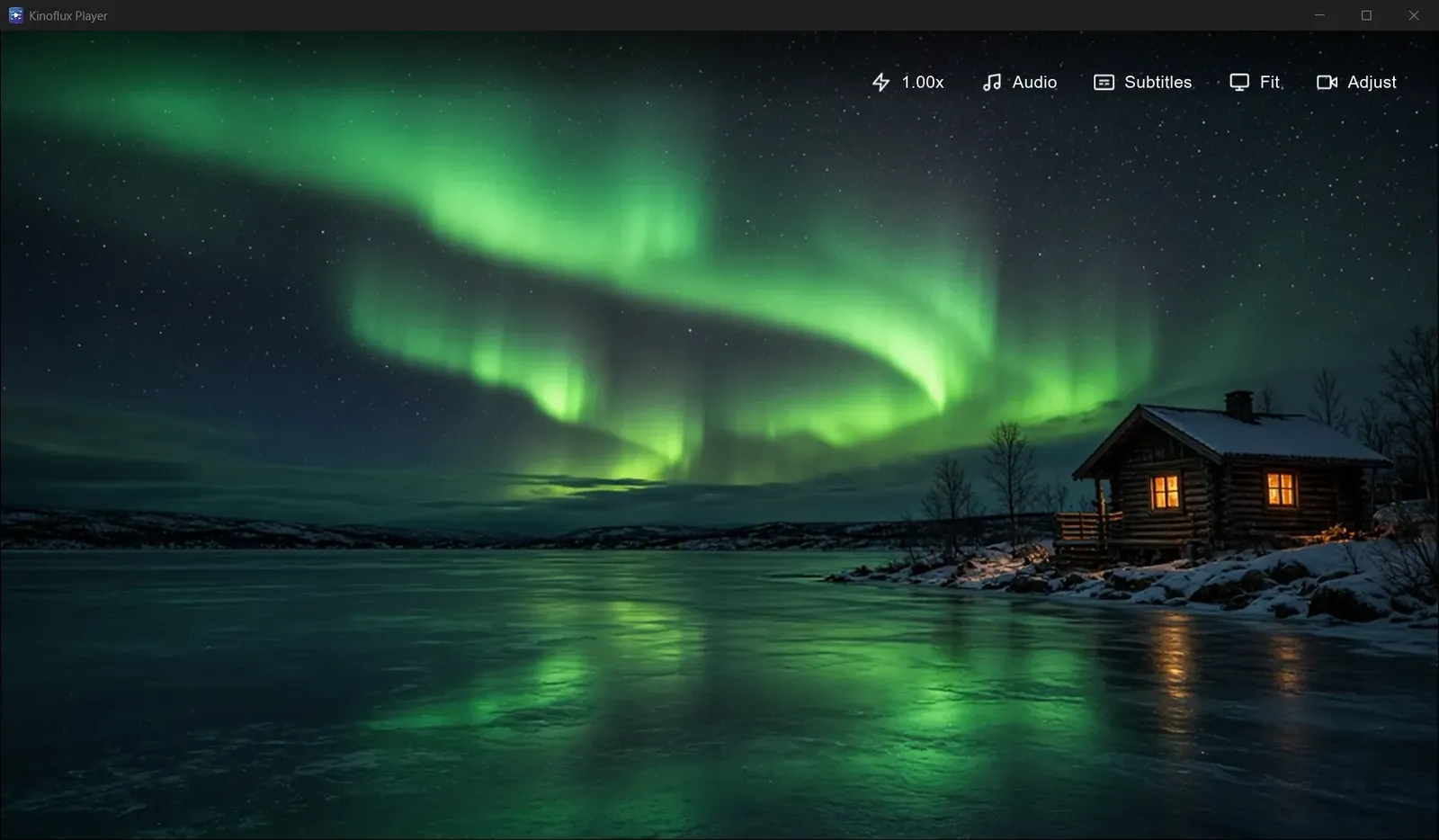
A library view shows a chosen folder as thumbnails, and N and B move to the next or previous video. The top bar holds speed (0.25x to 3x), audio, subtitles, fit and an adjust panel with brightness, contrast, gamma and saturation sliders.
The Windows installer is 36.5 MB and the Mac disk image is 33.6 MB. Since October 2026 the player is also on the Microsoft Store, free, so Windows users can install and update it from there.