The problem
Database work tends to spread across tools. One client for MySQL, another for PostgreSQL, a third for a SQLite file. Saved passwords can end up in plain config files, the panes are dense and easy to misclick, and web-based tools send connection details and data through another server.
SQL Studio started as a visual MySQL client with a calmer layout. The 0.1.x releases extended it to PostgreSQL and SQLite, so one app now covers all three.
How it was approached
Everything begins in the Connection Hub. You pick PostgreSQL, MySQL (MariaDB compatible) or SQLite, test the connection to see the server version and latency, and only then save it. A postgres:// or mysql:// URL can be pasted in and parsed into the form, and a SQLite file opens directly.
Security was handled in the app, not left to the user. Saved credentials are encrypted at rest with AES-256-GCM, SSH tunnels support a password or a private key with a known-hosts check on first connect, and SSL can be set to disable, prefer or require. The product sends no telemetry.
The layout follows how a working day goes: an explorer on the left, work in the middle, and the workspace remembered per connection and database, so tabs and canvas state come back where you left them.
What it does now
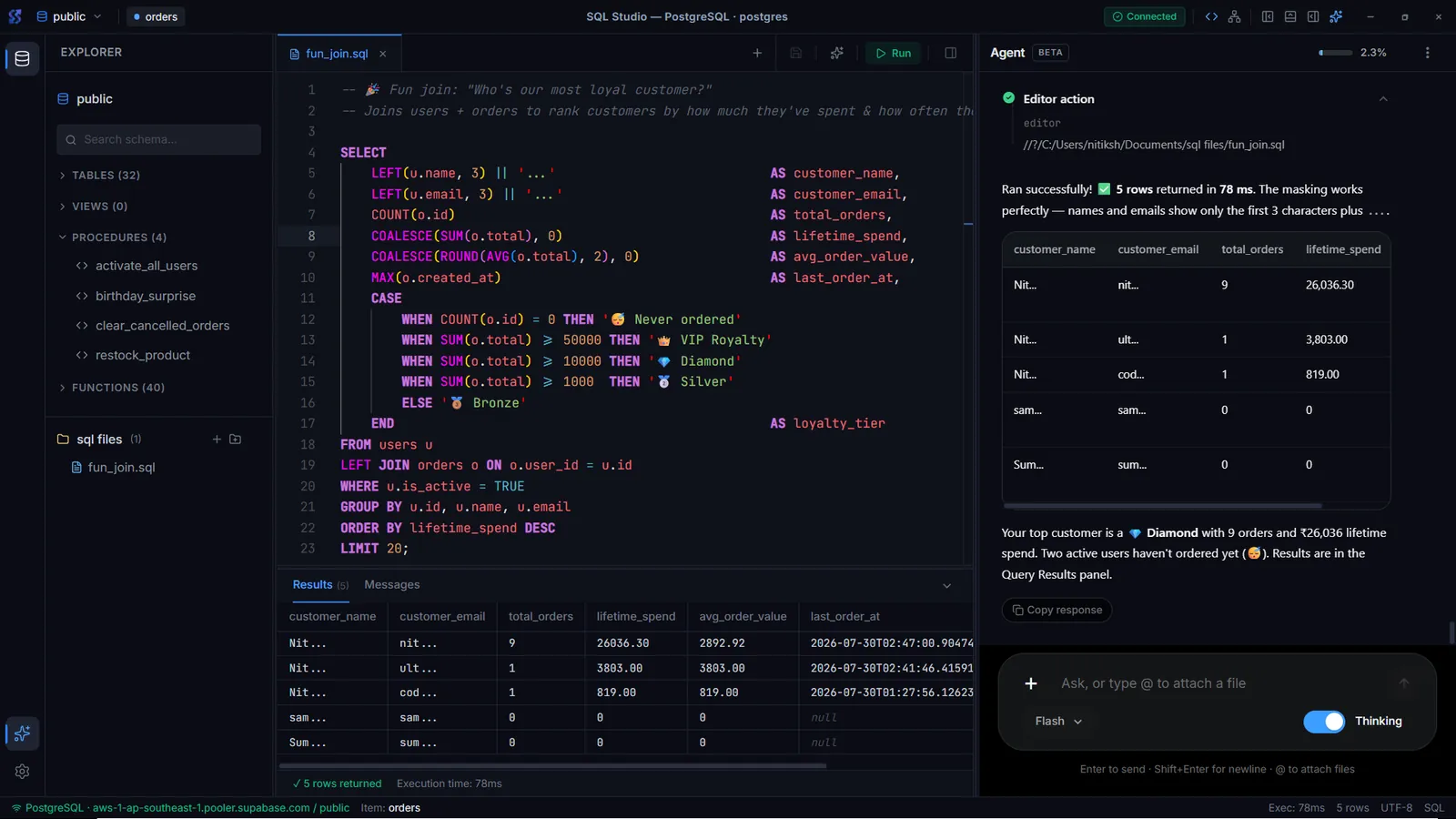
SQL Studio 0.1.3 runs on Windows and on Apple Silicon Macs. The Monaco editor gives multi-tab SQL files with completions from the live schema, formatting, autosave and recovery.
Database Objects shows tables, views, functions and procedures in one panel, with column types, constraints and routine source you can open in the editor. The Schema Visualizer draws relationships on a canvas with color-coded table groups and exports the diagram as PNG or SVG.
The data browser has visual filters, primary-key aware insert, edit and delete, and export to CSV or JSON. The official app is free for personal and commercial work.