The problem
Whisper speech models produce accurate transcripts, but running them yourself means a Python environment, model downloads and command-line flags. Online transcription services skip the setup, but they need an upload and usually charge by the minute.
Whisper Studio was built for people who want the result, a subtitle file or a transcript, without either of those costs.
How it was approached
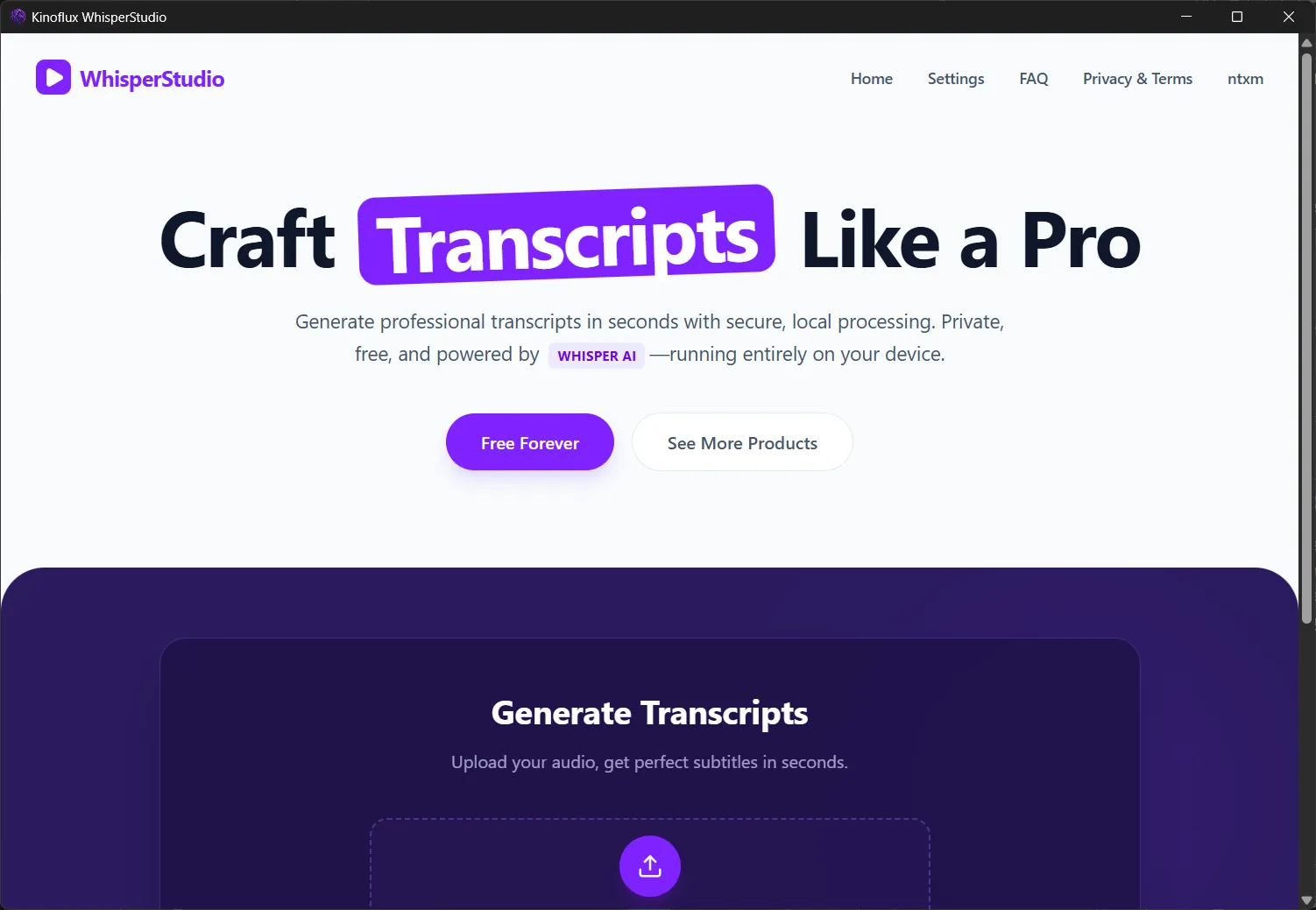
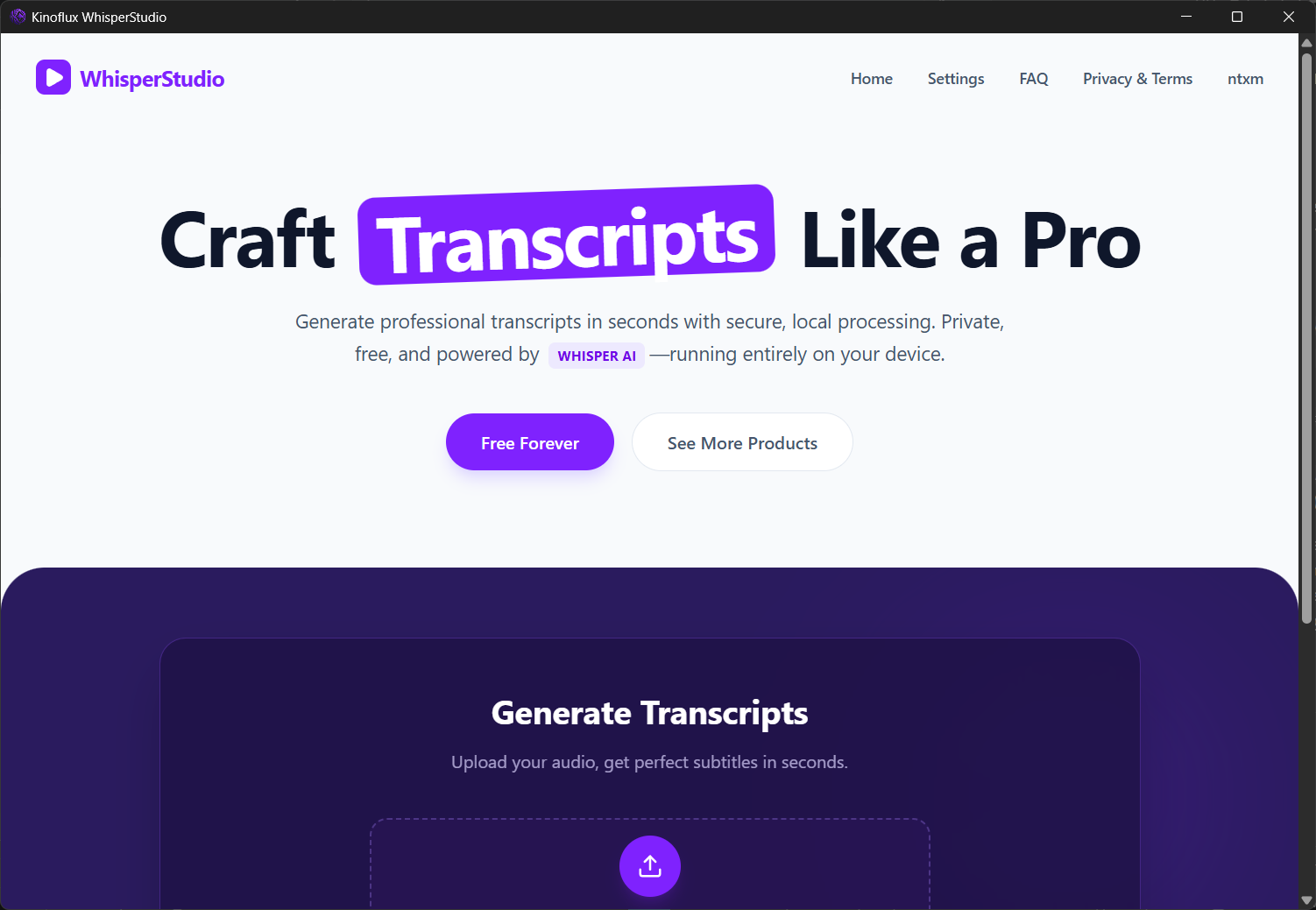
The app follows the steps a person actually takes. Upload an audio or video file, choose a model in Settings, watch the progress log, and download the result.
Model choice is explained in plain terms. Each model, from Tiny to Large v3, shows its download size, parameter count, speed and accuracy, so you can pick fast or accurate without reading a model card.
Models are downloaded once and cached. After that, transcription runs fully on the device, and the Legal Center inside the app states that audio, transcripts and usage data are not collected.
What it does now
Whisper Studio transcribes MP3, WAV, FLAC, M4A and more, and accepts video such as MP4, MKV, AVI and MOV. It exports timestamped SRT subtitles and plain TXT transcripts, shows the captions next to the video for editing, and can burn captions into the video.
It runs on Windows 10 and 11 (64-bit), with hardware acceleration on compatible systems, and needs 4 GB of memory, with 8 GB or more recommended. It is free, with no subscription and no usage limits, and it is part of the KinoFlux family of offline media tools.