WebBuilder
A visual website builder from NTXM. Build pages from ready blocks on a canvas, style them, preview on desktop, tablet and mobile, and export clean HTML, CSS and JS.
The challenge
Most site builders either lock the site into their own hosting or start from a blank canvas. Getting a clean page that works on any host often means rebuilding it by hand.
The solution
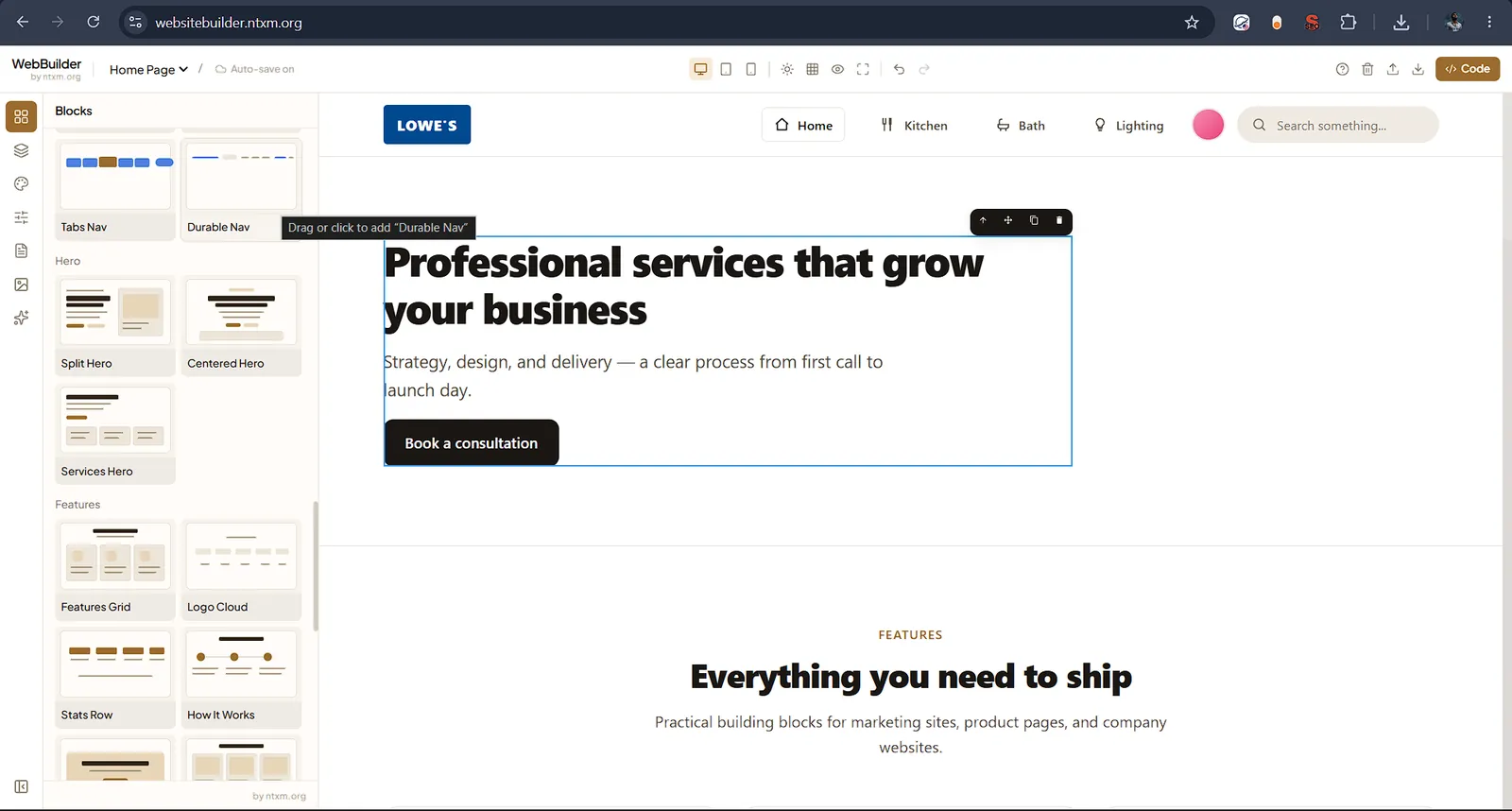
WebBuilder starts from page templates and a library of blocks, from navbars and heroes to pricing, FAQ and footers. You edit visually with styles and layers panels, and the export gives you plain code you can host anywhere.
Key features
Templates and blocks
- Page templates: SaaS Product, Agency Studio, Startup Launch, Portfolio and Local Services
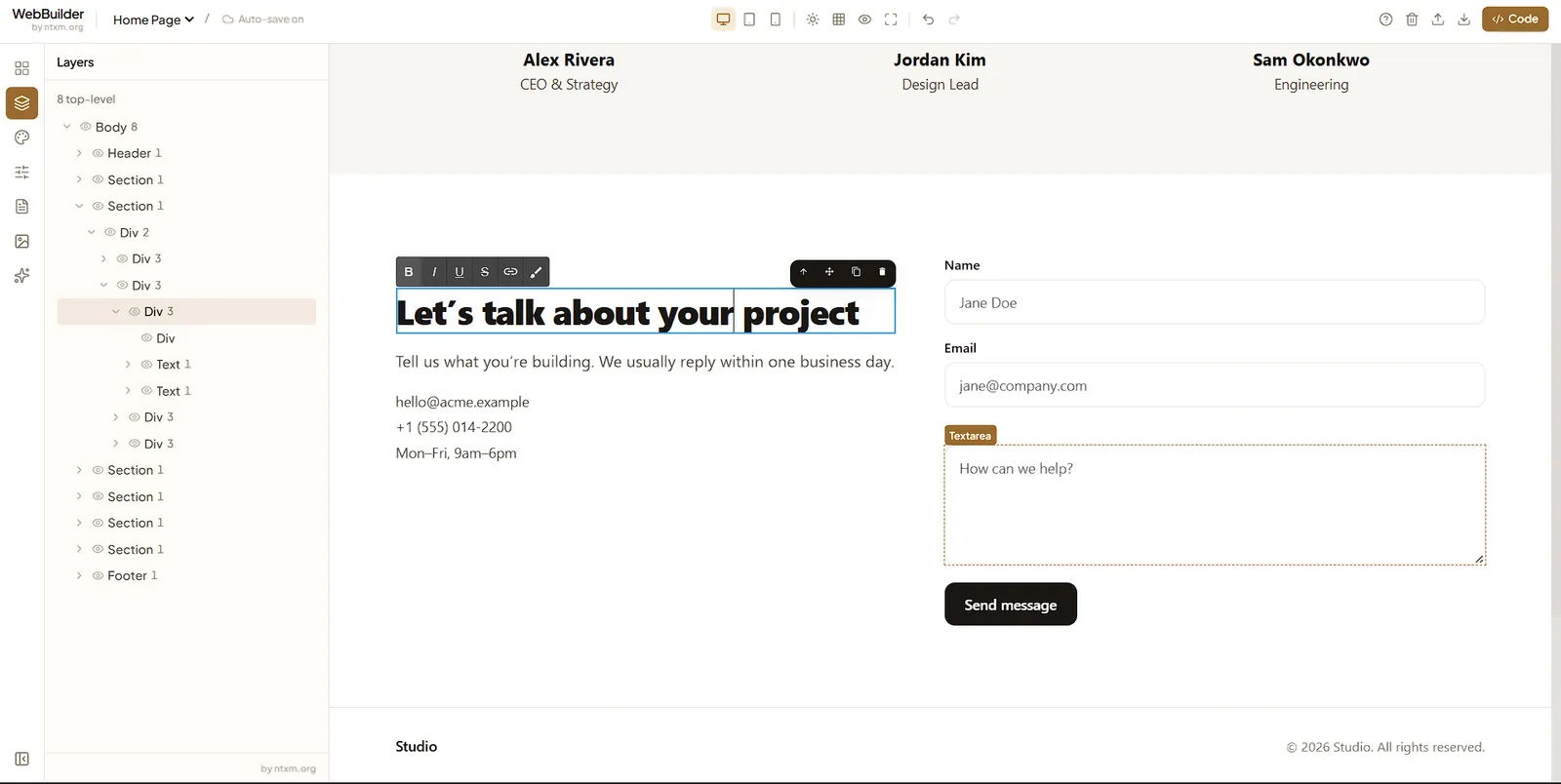
- Blocks for navbars, heroes, features, pricing plans, FAQ, testimonials, team, stats, contact forms, CTAs and footers
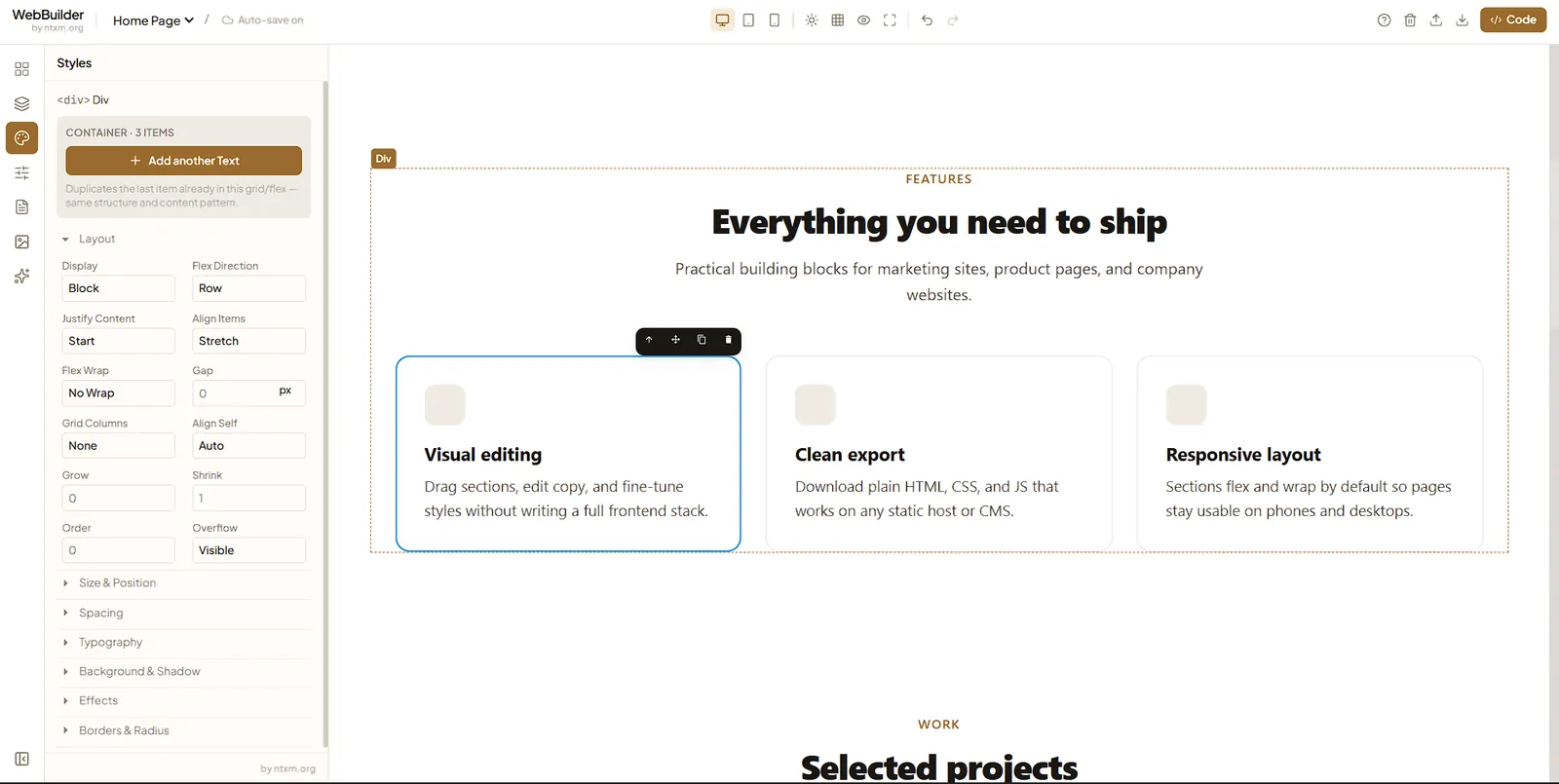
- Layout blocks: 2, 3 and 4 column grids, flex rows and columns, sidebars
Editing
- Drag or click to add blocks to the canvas
- Styles panel for layout, spacing, typography, background and borders
- Layers panel for the page structure, and multiple pages per project
- Desktop, tablet and mobile preview
Export and backup
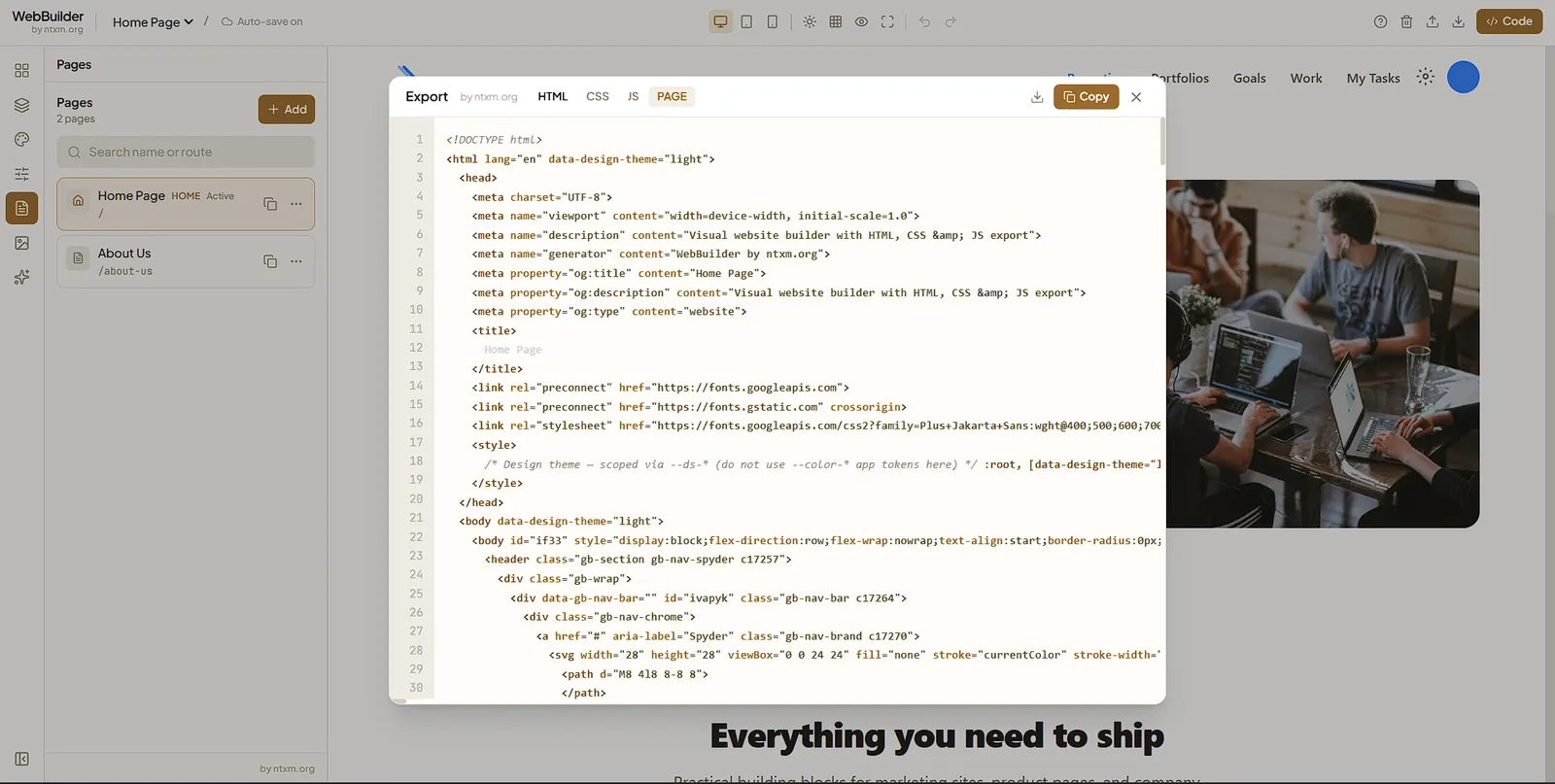
- Export clean HTML, CSS and JS
- Auto-save, plus a JSON backup you can download and restore
Results
- Pages built from blocks and exported as plain code.
- No hosting lock-in: the exported files work on any static host.
- Responsive preview in one bar.
Screenshots
Related
What NTXM Ships, and Why Each Product Is Its Own App
The NTXM product list as of October 2026: what each app is for, where it runs and why the jobs are kept apart.
Web Products
Web apps and builders with a strict visual system — typography, motion, and layouts that feel authored, not generated.